4 Questions to Understand the Difference Between ERP and CRM
Customers in one system, orders and inventory in another? Four practical questions to help you understand whether you need a CRM, an ERP, or both, and how to get them working together without duplicated data.
The difference between ERP and CRM, one governs the work, the other the relationship
A CRM collects and organises everything related to the relationship with customers and potential customers. Contacts, negotiations, conversations, sent quotes. An ERP governs what the company does to deliver. Orders, inventory, purchasing, invoicing, accounting. The CRM answers "where does this negotiation stand?", the ERP answers "what do we have, what have we sold and what do we need to invoice?". The two tools meet at the customer record, and that is where almost all problems arise.
In many SMEs the result is predictable. Sales teams keep contacts and quotes in a CRM, a shared address book or a spreadsheet; administration and warehouse work in the management system. The customer appears twice, with the company name spelled differently, delivery addresses out of sync and payment terms where nobody knows which version is correct. Understanding the difference between the two tools is not a matter of acronyms. It is needed to decide where each piece of data should live and who is responsible for it.
The problem, customers live in one place, orders in another
The problem arises when the same customer exists in two systems that do not communicate, and each one tells a different version of events.
A company does not need to be large for this to happen. It is enough that the people who sell and the people who deliver use different tools and that the handover between the two happens verbally, by email or by copying data by hand. Every manual copy is a point where an address, a discount or a date can change without anyone noticing.
Companies that sell services and lose track of negotiations
A company that manages a few long negotiations, with quotes that change hands multiple times, suffers mainly from a lack of commercial memory. Who spoke with whom, what was promised, when the customer needs to be called back. Here the weight of the problem sits on the CRM side, and an accounting management system, however robust, does not solve it.
Companies that deliver goods and discover the mistake after the order has already shipped
A company that resells or manufactures, with inventory, price lists and deliveries, has the opposite problem. If the salesperson promises availability that the warehouse does not have, or a price that differs from the list price, the mistake surfaces when the order is already being processed. Here the bottleneck is the ERP, or more precisely the connection between what is sold and what is available.
What an ERP actually manages and what a CRM manages
An ERP is the system that holds together a company's internal processes in a single repository, while a CRM holds together everything related to those who buy or might buy.
What an ERP is, in practice
The acronym refers to enterprise resource planning, but in daily life an ERP is the place where orders, stock levels, supplier purchases, invoices and accounting live. Every department works on the same data. If the warehouse removes a part, the administration sees it when invoicing. A custom ERP for SMEs adapts these modules to the way the company actually works, instead of imposing screens designed for a mid-sized enterprise.
What a CRM is, in practice
A CRM is the commercial memory. Contacts, companies, conversation history, negotiations with their status, sent quotes, tasks to complete. Its purpose is to ensure that no opportunity is lost because the person handling it is on holiday or has changed role. It is not designed to manage inventory or keep accounts, and when it is forced to do so the result is almost always an uncomfortable compromise.
As a reference, here is how data is typically divided between the two systems:
- Contacts, leads and conversation history: CRM.
- Negotiation status and probability of closing: CRM.
- Ongoing quotes and scheduled follow-ups: CRM.
- Confirmed orders and their line items: ERP.
- Stock levels, locations and inventory movements: ERP.
- Supplier orders and goods receipt: ERP.
- Invoices, payment due dates and accounting: ERP.
- Customer master data. Shared, with a single system that owns it.
A piece of data has one owner. If the billing address is updated in two places, sooner or later there will be two different addresses.
4 questions to decide whether a CRM is enough or an ERP is needed
Four questions about your daily work tell you more than any list of features. Look at where time is lost and where mistakes happen.
Answer by thinking about a normal week, not how the process looks on paper.
- Does the problem arise before or after the order is signed? If negotiations, callbacks or quotes are being lost, you are in CRM territory. If deliveries, invoices or stock levels are going wrong, you are in ERP territory.
- Do you have a warehouse or materials to track? With stock levels, batches or multiple locations, a CRM is not enough. You need a system that knows what is available and where.
- How many times is the same piece of data written by hand? If orders, customer records or price lists are being copied from one spreadsheet to another, there is a missing integration, not an additional tool to buy.
- Who needs to see what? If the salesperson needs to check the order status without calling the administration team, the two worlds need to share at least part of their data.
When a CRM is enough
A CRM on its own works well when the company sells services or projects, has little or no movement of goods and manages invoicing with a simple tool already in use. In this case the gain comes from not losing opportunities. To choose with a clear method, there is our article on 5 criteria for choosing a CRM for SMEs and not losing negotiations.
When an ERP is needed
An ERP is needed when orders, stock, purchasing and invoices must remain consistent with one another and multiple departments work on the same figures. It is also the case when the current management system forces you to maintain parallel spreadsheets. If that is your situation, it is worth reading how to tell whether your management system is holding you back.
Choosing between ERP and CRM means deciding which piece of data supports everything else. Whether the mistake costs more before the sale or after.
When both are needed and how to make them communicate without duplicate data
Both are needed when sales involve complex negotiations and the company then delivers goods or invoices according to its own rules. In that case the real work is the integration.
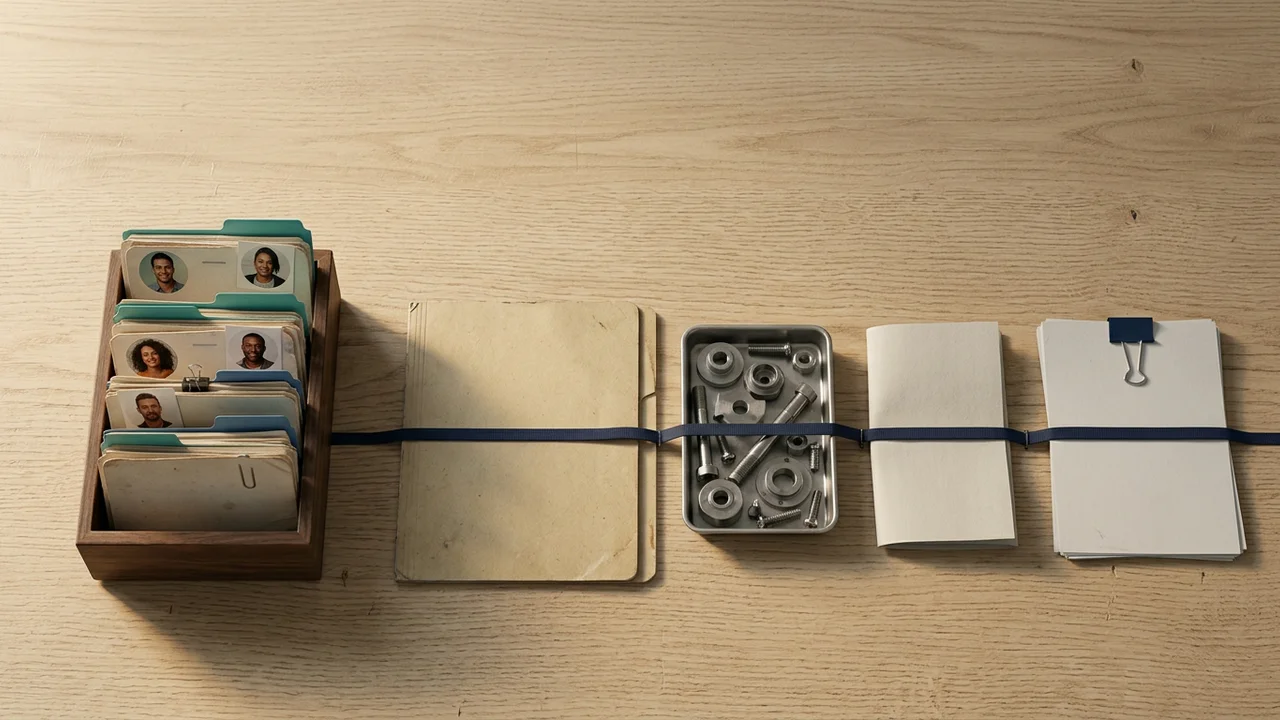
The most common risk is not choosing the wrong tool, but installing two of them without deciding who owns the customer master data. If both systems modify it, duplicates are created, and every meeting starts with the question of which number is the correct one. With ERP and CRM, integration is designed starting from a few clear rules:
- A single system is the source of the customer master data; the other reads it and does not overwrite it.
- The transition from accepted quote to order happens automatically, not through manual copying.
- The salesperson sees the order status and payment due dates in the CRM, without opening the ERP.
- Changes to price lists originate in one place and reach wherever they are needed.
- Every synchronisation leaves a readable trace, so a mistake can be reconstructed in minutes rather than days.
A single master record, a single owner
For an SME with around forty product references and a few departments, the most useful move is often the smallest one. Establishing that the master data lives in the ERP and that the CRM receives it. Nothing spectacular, but it removes duplicates at the root. If you are already thinking about a broader change, when to change your management system and move to a custom ERP explores the cases where it makes sense.
How Leomat approaches the problem
Leomat builds custom software around the real process and, in many cases, makes the systems a company already uses communicate with one another, without having to replace them.
The work starts with an analysis of processes, data and objectives, before any code is written. Architecture and data model are then designed, the application is built within the environment where it will live, and it goes into production with backup and restore ready. The studio describes its management systems and portals as custom software, from the database to the interface, using standard technologies with no lock-in to a single vendor. The system remains the client's property. If automating a part of the workflow does not make sense, or if an off-the-shelf product already covers the case, Leomat says so upfront.
Leomat works precisely on this. Integrations between systems that currently do not communicate, such as management systems, e-commerce platforms, email, spreadsheets and documents.
If you have customers in one system and orders in another, Leomat can help you understand whether you need a connection between the systems you already have or a piece of custom software.
Frequently asked questions about ERP and CRM
Can a CRM replace an ERP?
Generally no. A CRM is designed to follow contacts and negotiations, not to manage inventory, purchasing and accounting. Some CRMs offer invoicing or catalogue modules, which are useful when the process is very straightforward. If you have stock levels, multiple departments involved or complex pricing rules, these features quickly become limiting, and you end up maintaining parallel spreadsheets for what the CRM does not cover.
ERP or CRM, which one to choose first?
It depends on where the most value is being lost. If negotiations and callbacks are being missed, start with the CRM. If deliveries, stock levels or invoices are going wrong, start with the ERP. The four questions in the article serve exactly this purpose. Observe the recurring mistake and trace it back to the system causing it. Often the right choice is a single tool well connected to what you already use.
How does integration between ERP and CRM work?
Integration moves data from one system to the other according to defined rules. For example, a quote accepted in the CRM becomes an order in the ERP, and the order status becomes visible to the salesperson. The important part is deciding in advance which system owns each piece of data, especially the customer master record, to avoid duplicates and conflicting edits.
What does a custom ERP mean for an SME?
It means a management system built around the company's process, instead of adapting the process to the screens of an off-the-shelf product. It makes sense when exceptions repeat every week and end up in spreadsheets, emails and phone calls. If the workflow is standard and an off-the-shelf product covers it without manual copying, an off-the-shelf product remains the simpler choice to maintain.
This post was created with AI
Content (text, processing, quotations and images) generated or artificially manipulated by artificial-intelligence systems. Notice provided under the transparency obligations of Article 50 of Regulation (EU) 2024/1689 (AI Act), applicable from 2 August 2026.