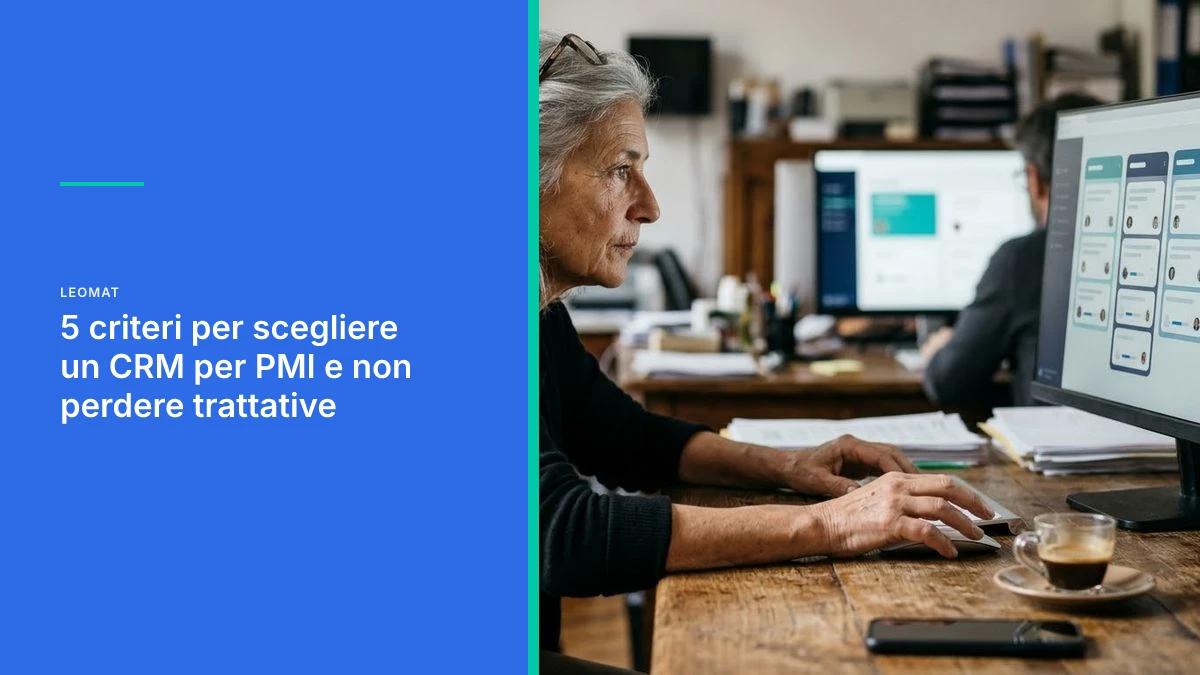
5 criteria for choosing a CRM for SMEs and avoiding lost deals
Contacts scattered across Excel, email, and WhatsApp can cost you deals. Five criteria for choosing a CRM, and the signals that indicate when a custom solution makes sense.
Choosing CRM software for SMEs, where to actually start
CRM software for SMEs keeps contacts, conversations and deals in one place, so that everyone in the company knows where each customer stands and what the next step is. Before comparing features and subscription fees, it is worth writing down how you sell today. Where requests come from, who responds, when a quote goes out, who closes it. The right choice is the one that fits this process, not the one with the most tabs and menus.
In small businesses, the first CRM is almost always an Excel spreadsheet, the owner's email inbox and a WhatsApp group. It works while the number of customers is small. Then the same fields are always missing. The deal status, the date of the last contact, the agreed next step, the person responsible. Someone who changes role or goes on holiday takes the company's memory with them. And those who choose an off-the-shelf product often discover after the fact that the things specific to their trade are missing, such as per-customer price lists, special terms or approval steps.
Why Excel, email and WhatsApp cause deals to be lost
Deals are lost when information stays in one person's head or phone and no one else can see what was promised and when.
The problem is rarely a lack of effort. It is that each tool tells one piece of the story. The email holds the quote, WhatsApp holds the request for a delivery change, the spreadsheet holds the contact's name. To reconstruct the status of a customer you have to open everything and hope you forget nothing. The practical result is a quote that never gets a follow-up call, a request that goes unanswered, two colleagues writing to the same customer with different prices.
Those who manage quotes with a shared spreadsheet
The spreadsheet shows the list, but not the history. It does not say what was discussed on the phone, which version of the quote is the latest, or when the follow-up call was due. All it takes is two people editing it at the same time to end up with overwritten or duplicated rows.
Those who receive requests from multiple channels at once
With requests coming in from a website form, email, phone and messages, the first task is to collect them. Without a single place to do that, the same person can appear three times under three differently spelled names, and no one knows whether they have already been contacted.
Those who have the owner as the sole archive
When the owner remembers everything, the company runs smoothly as long as they are there. It is a risk that only becomes visible the day it becomes necessary to delegate part of the sales work.
The 5 criteria for choosing a CRM your team will actually use
Understanding how to choose a CRM takes five questions, to be asked before opening any sales demo.
- The sales process. Do the deal stages in the software match yours, or do you have to adapt the way you work to a process designed for a different company?
- The data you already have. Can customer records, price lists and quotes be imported without retyping them by hand?
- Who uses it. Do sales staff, administration and the owner each see what they need, without screens full of irrelevant fields?
- The connection with everything else. Do email, the management system and invoicing communicate with the CRM, or does every piece of data have to be entered twice?
- Data ownership. Can you export everything in a standard format and change direction without losing your customer history?
The first two criteria carry more weight than the others. A CRM with the wrong stages gets filled in poorly, and a CRM that starts empty because importing data is too cumbersome tends to be abandoned after a few weeks. The third is the one most often overlooked. If registering a contact requires more fields than anyone ever looks up, the team will go back to the spreadsheet.
A CRM works when recording a contact takes less effort than remembering it. If the team fills in more fields than it consults, it goes back to the spreadsheet.
Test with three real deals
During a trial, avoid the vendor's sample data. Enter three real deals, one closed, one open and one stalled, and check whether the software tells the story the way you would tell it. If doing so requires constant adjustments, you already have a clear indication of what will happen every day.
Standard or custom CRM, and how it differs from a management system
A CRM follows the commercial relationship before the sale, a management system follows orders, invoices and stock afterwards, and the two overlap only in part.
CRM or management system, which comes first
If the problem is losing track of requests and quotes, you need CRM functionality. If the problem is retyping orders and invoices, you need the management system. Many SMEs discover they already have a management system with a customer module that is rarely used. Before buying anything else, it is worth finding out whether extending it is enough. For guidance on when a management system needs replacing, there is a dedicated article on when to move to a custom ERP.
When a standard CRM is enough
If your sales cycle is straightforward, your products have a single price list and an off-the-shelf product covers the process without any retyping, a standard CRM is the more measured choice. A custom project in that case only adds something extra to maintain. For a CRM for small businesses with few exceptions, starting with a ready-made tool makes sense.
When a custom CRM is worth it
A custom solution makes sense when off-the-shelf tools force people to work outside the system. These are the signs you can recognise without a formal analysis:
- a parallel spreadsheet holds the correct version of the data instead of the software;
- the same customer has two records in two different systems;
- quotes vary for the same request depending on who writes them;
- the deal status is communicated verbally and does not appear anywhere;
- discount approval goes through a specific person and stays in a chat;
- customer data originates in the CRM but is also needed by the management system, and someone recopies it.
A custom CRM is not a CRM with more features. It is a CRM with only the ones your process uses, connected to the systems you already have.
The most typical case is a company with configurable products or prices that change during a project, where the quote is built from data held in another system. Here the integration matters as much as the CRM itself, and the real work lies in making systems talk to each other that currently do not. An illustrative example. A manufacturing company with around forty product lines and different price lists per customer will rarely find an off-the-shelf product that handles them without constant adjustments. This is also discussed in the article on custom software for manufacturing SMEs.

How to get started, mapping the sales process and choosing a first step
You start with a blank sheet, not with software. You draw the real path a customer takes and identify the point where things most often go wrong.
- Write down the stages of a deal from first contact to close, exactly as they happen today.
- For each stage, note where the information lives. Email, spreadsheet, phone, management system.
- Mark the points where a piece of data is copied from one place to another.
- Identify where a deal has stalled or been lost because a follow-up call or a piece of information was missing.
- Decide what should stay in people's hands and what the software can handle on its own.
The result is not a project, but a scope. From there you can choose an off-the-shelf product that covers that scope or, if none exists, start with a single module. For example, quote management, or a single inbox for incoming requests. A small module, put into use quickly, tells you far more than a demo and can be judged in the field. If you are also thinking about adding artificial intelligence features, the process is described in the guide to AI integration in SME management systems. An agent can prepare a draft response, but for sensitive actions it is better to have a person confirm.
How Leomat approaches custom software
Leomat is a software engineering studio based in Naples that builds complete web applications and the environment they run in, starting from the process of the people who will use them.
On its website, Leomat describes a method that begins with discovering the process, the data and the real objectives before writing any code, then designs the architecture and data model, builds the application with its environment and goes live with backup and rollback ready to use. Work starts with a small, useful slice of the problem that goes into production quickly, rather than a long project that only becomes visible at the end. The software is written to fit your process, it is not a tool to be adapted, and it remains yours. Standard technologies and no lock-in to a single vendor.
Leomat also builds custom management systems and integrates systems that currently do not communicate with each other. It is not a CRM, but it is the same type of problem. A document that originates from data already held elsewhere.
When AI agents enter the workflow, they start under human supervision and gain autonomy only where they prove reliable; for irreversible actions, a confirmation step remains. The initial conversation and the scope proposal are free of charge, and the estimate comes after reviewing the process. To discuss your situation, you can write to Leomat.
Frequently asked questions
These are the questions that come up most often when an SME is evaluating a CRM and wondering whether to have one built to measure.
How much does CRM software for small businesses cost?
It depends on how many users will use it, how many channels it needs to collect from and how many integrations are required. An off-the-shelf product typically has a subscription fee tied to the number of users, which grows with the team. A custom CRM has a higher upfront cost but the data and the code remain yours. For this reason it is worth looking beyond the price alone, at who owns it and what happens as the company grows.
CRM or management system, do I need both?
Not necessarily. A well-used management system can cover part of the customer relationship, especially when sales are straightforward. A CRM becomes useful when there is a sales phase with multiple steps, multiple people and multiple channels, and you need to know where each deal stands. The important thing is that the two systems do not end up with two separate customer databases.
Is a custom CRM riskier than an off-the-shelf one?
It carries different risks. An off-the-shelf product may not fit and can force people to work outside the system. A custom one can become a burden if the scope is vague or maintenance is lacking. The risk can be reduced by starting with a small module, with a written scope, standard technologies and an environment with monitoring and backups.
How do I stop the team from abandoning the CRM after a few weeks?
You need few mandatory fields, stages that reflect real work and data that has already been imported, so the system does not start empty. It is better to begin with a single use case, such as quote management, and add the rest later. If recording a contact takes less effort than remembering it, the habit builds on its own.
This post was created with AI
Content (text, processing, quotations and images) generated or artificially manipulated by artificial-intelligence systems. Notice provided under the transparency obligations of Article 50 of Regulation (EU) 2024/1689 (AI Act), applicable from 2 August 2026.