The Signs That Your Software Systems Are Not Talking to Each Other
Do you have many up-to-date but isolated software tools? Discover why integration matters more than updates and how to finally connect your SMB systems.
Integrated software systems in SMEs: why having everything connected matters more than having everything updated
An integrated software system in an SME is an architecture in which the ERP, CRM, warehouse management, and invoicing tools exchange data automatically, without duplicated manual entries. You do not need the latest software on the market: you need your existing software to communicate with each other. It is this connection, not the update of a single application, that determines how much time a company loses or gains every day.
Many Italian SMEs invest in digital tools without an overall integration strategy, creating disconnected information silos. Connecting systems reduces the manual steps between one piece of software and another, and the time recovered must be measured against your own processes.
The problem: software that is up to date but isolated from each other
Many SMEs run software at the latest version but completely disconnected from one another, forcing staff to enter the same data multiple times across different systems.
This is the classic case of companies that have a modern ERP, an updated CRM, and a high-performing invoicing application, yet none of the three talks to the others. The result is duplicated work: an order is entered in the CRM, then copied into the ERP, then entered again in the invoicing tool. Every manual step is a potential error and a hidden cost in working hours.
A typical example in administration
Consider an administrative office that spends many hours every month reconciling data across three different software systems that, individually, are all up to date and high-performing. The problem is not the quality of the individual tools, but the absence of a bridge between them.
Why having everything connected matters more than having everything updated
An updated but isolated piece of software produces value only within its own perimeter, whereas a connected system multiplies the value of every piece of data by sharing it across all linked processes.
Updating a single application improves features and security, but it does not solve the structural problem of fragmentation. A piece of data entered once and available everywhere is worth more than ten software applications running the latest release but with no communication between them. This is a question of architecture, not of version numbers.
- Fewer manual entries, fewer transcription errors.
- A single, real-time view across sales, warehouse, and production.
- Faster decisions, based on consistent and universally up-to-date data.
- Scalability: adding a new process does not mean reinventing everything from scratch.
The signs that your systems are not communicating
The most common signs are double entries, misaligned data between departments, and long lead times to produce reports that should be immediate.
If the warehouse shows a different stock level from what the sales team sees, or if producing a quote requires manually passing data between three different software systems, your tools are likely working in silos. Difficulty producing a consolidated report in a reasonable amount of time is also a clear warning sign.
A typical example in manufacturing
Consider a metalworking company running three separate management software systems for production, sales, and accounting, where every quote requires multiple people and days of waiting, not because of the complexity of the calculation, but because of the manual search for data across unconnected systems.
Integrated architecture: how it actually works
An integrated architecture connects existing software through automated data flows, often built with custom code, without replacing the tools already in use.
It does not mean discarding your current software and buying new products. It means building bridges between them: a flow that takes an order from the CRM and writes it automatically into the ERP, another that updates the warehouse in real time when production consumes materials. These connections can be implemented through direct API integrations or through automation logic written specifically for each individual case.
- Mapping the existing data flows between the software in use.
- Identifying the points of manual duplication.
- Building custom connectors between applications.
- Continuous testing and monitoring of data consistency.
How Leomat builds integration, in pure code
Leomat builds custom integration systems written in pure code, without relying on generic no-code platforms that often limit flexibility and long-term reliability.
The choice of pure code, rather than off-the-shelf no-code or low-code tools, makes it possible to build connections that are genuinely tailored to the specific processes of each company, free from the constraints and fragility typical of third-party platforms. It is an approach that requires greater care during development, and it aims for solutions that are maintainable over time and designed to grow alongside the business.
A concrete case: measurable results
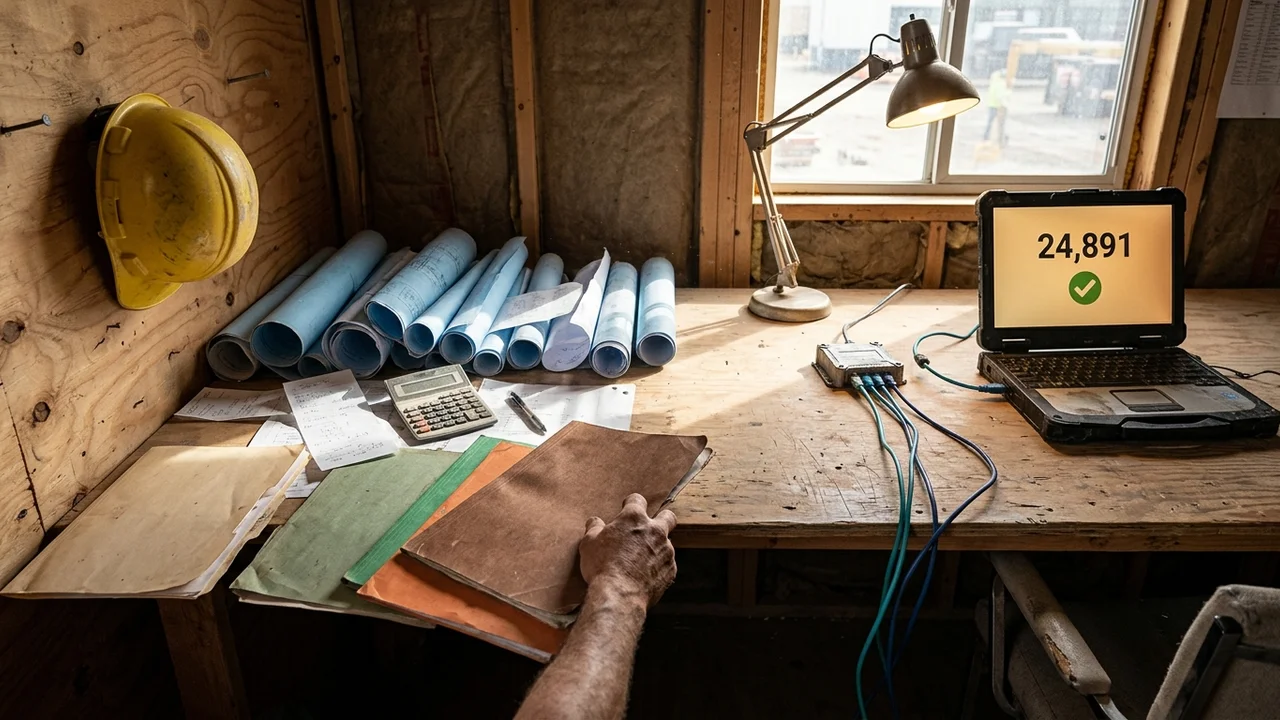
In a real project in the construction sector, ERP Costruzioni, producing a quote went from 8 hours to 5 clicks in 30 days.
Another example involves About medically s.r.l., in the parapharmaceutical sector, which recorded an 85% increase in document generation speed in 90 days.
Where to start when integrating your systems
The first step is to map the software already in use and identify where data is being entered manually more than once.
There is no need to start with a large-scale project. It is better to begin with a single critical process, such as order management or invoicing, and build the first connection there. Once the functionality and measurable benefit have been verified, the integration can be extended to other business flows.
Frequently asked questions before getting started
Ask yourself how many software systems your company uses today, how many of them exchange data automatically, and how many hours per week are spent on duplicate entries. The answers to these questions will show you where to begin.
How Leomat can help you connect your systems
Leomat's custom ERP offering was created precisely to address needs like this: building a system designed around a company's real processes, not the other way around. The goal is not to over-engineer, but to propose solutions that are genuinely suited to the specific context of each SME. If you want to understand how to integrate the software you already use without disrupting your organisation, you can discover how Leomat approaches custom integration projects.
How much does it cost to integrate the software systems of an SME?
The cost depends on the number of software systems involved and the complexity of the flows to be connected. A project focused on a single critical process requires a contained investment compared to a complete reorganisation. It is worth starting with a detailed analysis before estimating a budget.
Do you need to replace all your software to integrate it?
No, in most cases the existing software remains unchanged. Integration builds connections between the applications already in use, without requiring costly replacements or retraining staff from scratch.
How long does an integration project take?
It depends on the complexity: timelines cannot be estimated before the systems involved have been reviewed. It is best to start with a small, useful slice that goes live quickly and can be evaluated in practice.
What is the difference between updating software and integrating it?
Updating means installing the latest version of a single tool, while keeping it isolated by nature. Integrating means building a connection that allows that tool to exchange data with the other business software, reducing duplication and inconsistencies.
This post was created with AI.
Content (text, processing, quotations and images) generated or artificially manipulated by artificial-intelligence systems. Notice provided under the transparency obligations of Article 50 of Regulation (EU) 2024/1689 (AI Act), applicable from 2 August 2026.