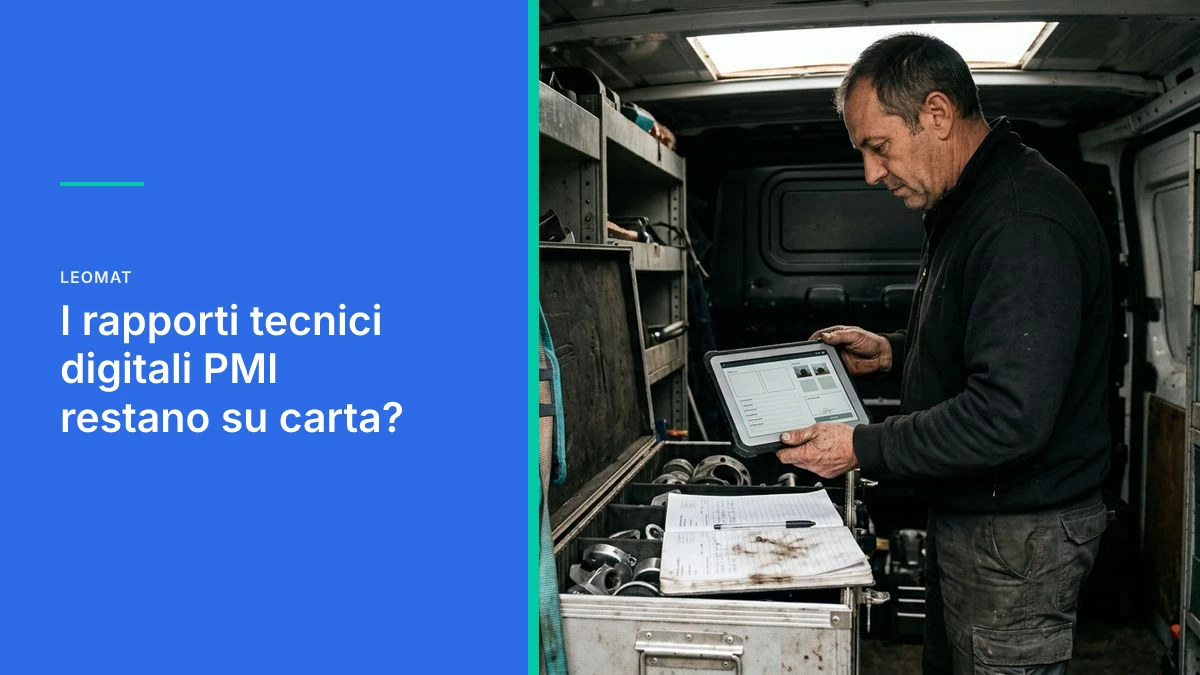
Are Technical Reports Still Paper-Based in Small and Medium Businesses?
Technicians still sign on paper and the office re-enters the data manually. Here is where the hidden cost lies, how to close the gap with management software, and where to start.
Why digital technical reports in an SME stay on paper
Digital technical reports in an SME represent the shift from a signed sheet at the job site to an organized record in the management system, without manual re-entry. When a technician still writes on paper, data stays locked until evening: the office re-enters it, errors multiply, and the client waits. Digitizing the report means collecting photos, times, materials, and signatures on the device, then getting everything where it needs to go, already structured for invoicing, inventory, and job orders.
In many service, maintenance, plant, and construction companies, the technician closes a job with a signature on a sheet. That sheet travels in a pocket, in a car, then into a folder. That data never reaches the management system: there are no structured fields, no client, job code, materials, hours, photos, or signature. The office reconstructs it after the fact, often the following morning. Inventory, billing, and the job manager all work from a delayed and partial version of what actually happened in the field.
The handwritten report and the cost you never see
The real cost of a handwritten report is not the pen: it is the time that the office, warehouse, and administration spend reconstructing what the technician has already seen.
The paper form seems cheap because it never appears in any budget line. In practice, every job generates a second task: deciphering handwriting, looking up the item code, figuring out whether the photo ended up in a chat or stayed on the phone, reconciling hours with the timesheet. Anyone coordinating three or four technicians notices this at the end of the month, when invoices go out late and complaints arrive before the documents do.
The mechanism is always the same. The technician collects rich information (context, sounds, replaced parts, the client's signature) and compresses it into a few lines. The office, without that context, fills in the gaps with assumptions. The result is sparse data, hard to search, impossible to compare across job sites.
Companies with technicians traveling between job sites and clients
Companies that send teams out have no single moment when "everything gets digitized." Reports arrive in waves, some the same day, others the following Monday. Without a single unified record, everyone uses a different method: a notepad, a message, a spreadsheet sent in the evening. The company thinks it has a history of jobs and instead has a collection of incomplete versions.
Companies that end the day by copying sheets in the office
Anyone who comes back and spends half an hour copying what was written in the field pays for the same work twice. The second transcription introduces errors in quantities, codes, and client names. When a check is needed, no one knows which version is the real one: the folded sheet or the spreadsheet cell.
A report signed on paper is not a business record: it is a piece of paper that the office still needs to interpret.
What happens after the signature, the gap between field and office
After the signature, the report leaves the operational flow: until someone re-enters it, inventory, invoices, and job orders remain in the dark.
The black hole is not the scan. It is the wait. Between closing a job and entering it in the management system, hours or days pass. During that time, the spare part is not deducted from stock, the client receives no summary, and the sales team does not know whether the system is under warranty. The systems do not communicate, and the symptom is the same one described when business software remains isolated from one another: double entry, diverging versions, decisions made on outdated data.
Anyone searching for a past job finds scattered files, client names spelled three different ways, and photos with no link to the job. The fields that are usually missing are precisely those needed by whoever comes next: the actual item code, serial number, travel hours separate from working hours, a signature tied to a date and time, notes the client has seen. Without these fields, the report feeds nothing.
- Photos and signatures stay on the technician's phone, disconnected from the job order.
- Materials used do not reduce inventory on the same day.
- Hours on the sheet do not match what will be invoiced.
- The client receives no clear summary of what was done.
- The office reconstructs codes from memory or from old price lists.
- Complaints are handled without a searchable history.
- The job manager discovers problems late, in a meeting rather than in the field.
Why paper and spreadsheets are no longer enough for companies that want to grow
Paper and spreadsheets hold up as long as jobs are few and people remember everything; when volumes rise, the method becomes the bottleneck.
The spreadsheet gives the illusion of control because the columns are there. What is missing is the rule: who can edit, when a report is closed, how to prevent two people from overwriting the same row. There is no record of who changed a quantity. There is no stable link to the client database, inventory, or invoices. For a company that wants to increase jobs without proportionally increasing administration, this ceiling becomes visible every Friday afternoon.
Off-the-shelf programs often cover one piece (the form on the phone) and leave the rest uncovered (how that form becomes a stock movement or an invoice line). This is the same limitation seen when ready-made tools hold SMEs back: the company adapts to the software rather than the workflow adapting to how technicians actually work.
Companies that want to grow without hiring more administrative staff
Anyone aiming for more job sites or more maintenance contracts discovers that each additional technician does not just add field hours: it adds sheets to re-enter. If the office is already at capacity, growth translates into delayed invoicing and inventory that does not balance. Digitizing the report is not a cosmetic choice: it is the way to grow field activity without growing the data-entry workload at headquarters in parallel.
Companies that already have a management system and fear another isolated program
The concern is legitimate. Another screen that does not communicate with what already exists makes the workday worse. The useful question is not "which app to download," it is "where does the data originate and where does it need to go." If the job form does not write to the management system, the re-entry has simply moved from paper to screen. For companies without an in-house IT team, what matters is choosing a path that does not require a technical team on site, as discussed in how to choose automation software without technical expertise on the team.
From the field to the management system without re-entering a single line
The right workflow starts on the technician's device and automatically closes the entries in the management system: photos, materials, hours, and signature travel together, just once.
In practice, the technician opens a job that already has the client record, checks off activities, uploads photos, lists the parts used, and has the client sign. On confirmation, the system writes where it needs to: job order, inventory, and a draft document if required. No one re-interprets handwriting. Exceptions remain visible (a part not on the price list, an extra that needs authorization) instead of getting lost in a margin note.
- Step 1 (Job form): the technician starts from a known client, system, or job order, not a blank sheet.
- Step 2 (Collection): times, materials, photos, and notes remain separate fields, not a single block of text.
- Step 3 (Signature): the client sees the summary and signs on the same form, with date and time.
- Step 4 (Submission): confirmation writes to the management system, with no queue of evening re-entry.
- Step 5 (Exceptions): only anomalous cases reach the office, already labeled.
- Step 6 (History): every job is searchable by system, part, technician, and period.
This chain holds if it is written into the company's code, tied to its actual statuses (open, awaiting part, closed, to be invoiced). Workflows built from disconnected blocks, stitched together at every price list change, break at the first update. For this reason, on these flows, a pure custom-code approach is more stable than visual assemblies that age as soon as a field changes.
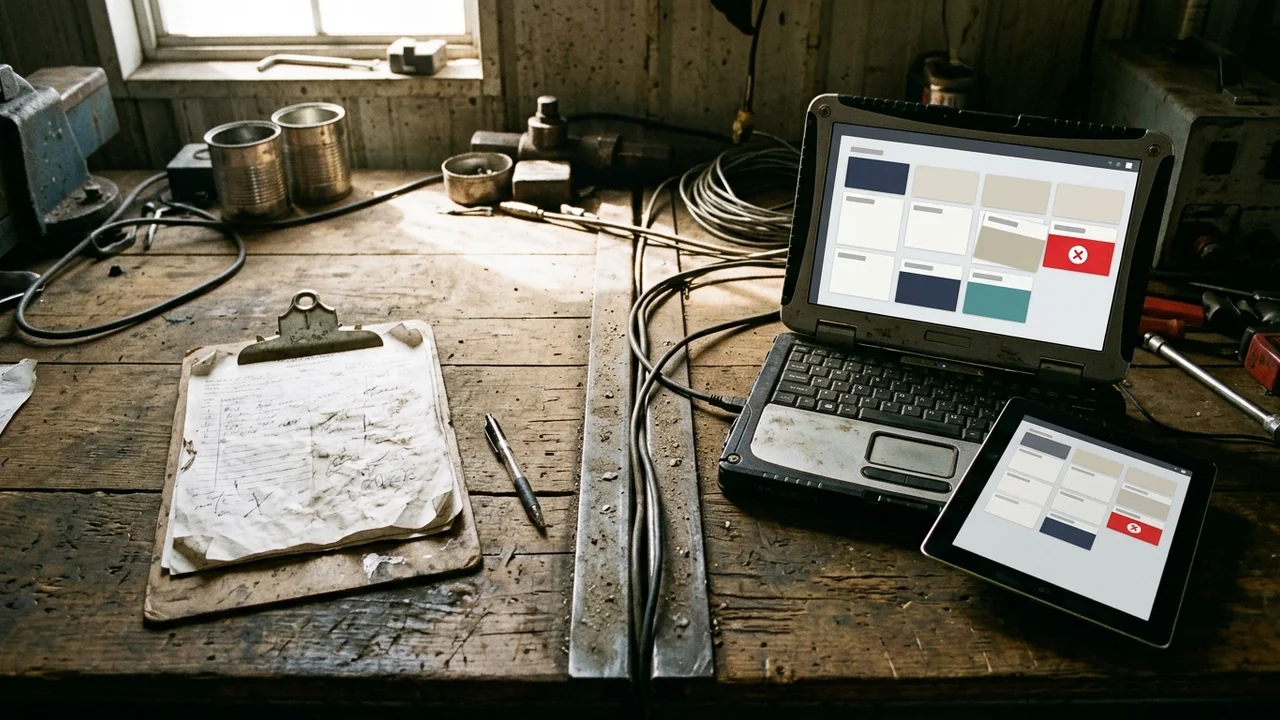
Field report automation lasts over time only if it lives in the company's code, not in a sheet that everyone fills in their own way.
A concrete case, from hours of manual work to a few clicks
When a repetitive document moves out of copy-and-paste, the gain is measured in work, not in slogans: less waiting, less re-entry, the same team.
Leomat's cases are precisely about the transition from manual document work to a guided workflow. For ERP Costruzioni, in the construction sector, drafting a quote went from 8 hours to 5 clicks in 30 days. For About medically s.r.l., in the parapharmaceutical sector, document generation speed increased by 85% in 90 days. These are processes different from a job report, but they show what happens when manual work is brought into a custom workflow.
Anyone today who still has technicians filling in reports by hand is paying the cost of the reverse process. The technician already has the information. The company discards it and reconstructs it. Closing that cycle does not require an IT department: it requires mapping the fields that are actually needed (without asking for twenty unnecessary ones) and getting them to inventory and administration just once, where they already work.
How Leomat brings field reports into order
Leomat designs pure-code automations and custom management systems, so that technician data reaches the system the company already uses, without re-entry and without complicating the work.
The starting point is not a program to learn: it is the way technicians close a job today, with the fields the office has to chase down. From there, a measurable workflow is built, aligned with the job order, inventory, and invoice. Leomat builds a custom ERP for the company, along with automations designed for Italian SMEs that want to grow without adding unnecessary steps.
The philosophy is practical: no over-engineering, no complexity borrowed from large corporations. The goal is to turn field activity into data that administration can use the same day. Where the document was a bottleneck, the cases cited above show what happens when manual work moves into a custom workflow. The same principle applies to job reports: one form, one submission, one searchable history.
Frequently asked questions about digital technical reports
What are digital technical reports for an SME?
They are job forms filled in on the technician's device, with fixed fields, photos, and a signature, that write automatically to the management system. They are not a scanned sheet. They serve to close the job order, inventory, and invoice without a second round of data entry. The value lies in structured data, not in a file saved in a folder.
How much time is lost with reports still filled in by hand?
Time is lost in evening re-entry, plus corrections when handwriting, codes, and quantities do not add up. Time is also lost in delays to inventory and invoicing, which cannot start until the sheet arrives at the office. The cost grows with every additional technician, because every job generates a second administrative task.
Does digitizing field reports require an IT team?
No, if the process is guided by someone who builds the workflow around the actual way of working, not around a program to configure independently. What is needed is clarity on where the data originates and where it needs to go. A partner who writes the code directly into the company's management system avoids leaving technicians with an application disconnected from everything else.
Do digital reports connect to the management system already in use?
They must, otherwise the re-entry has simply been relocated. The job form only makes sense if it updates the client record, job order, stock levels, and sales document. If the field application does not write there, the office continues to copy. Integration is not an add-on: it is the reason for abandoning the paper form.
This post was created with AI
Content (text, processing, quotations and images) generated or artificially manipulated by artificial-intelligence systems. Notice provided under the transparency obligations of Article 50 of Regulation (EU) 2024/1689 (AI Act), applicable from 2 August 2026.