Does automating a process feel like a leap into the unknown?
Before choosing software, look at the slow process: who handles it, where it stalls, and which small slice to bring into production.
Automating a process starts from the work you already do
Automating a process, in a small or medium-sized business, means taking work that a person currently does at a computer and having the software handle the parts that repeat. It does not mean buying a tool and hoping it will communicate with the management system, email, and spreadsheets. You start from how the work actually happens: who does it, what data they use, where it gets stuck, and what cannot go wrong. The first useful result is a small slice of the problem, clear enough to go into production and to be judged in the field.
In many SMEs the slowdown lies in handoffs. A piece of data originates in a message, gets copied into a spreadsheet, then into the management system, then into a document. Each copy is a point where a field is missing or a price does not match what the person has in front of them. Someone looking from the outside sees the delay. The person doing the work knows that time disappears in searching and rewriting. Starting from the tool, without mapping these steps, shifts the chaos into software that does not know the exceptions.
That slow work everyone sees and no one fixes
You recognize it because time disappears in copies and corrections, while the steps are not written down anywhere.
It happens in the sales office, in administration, in whoever prepares documents for clients. The work eats up the afternoon, yet it lives in the heads of a few people and in spreadsheets that do not use the same name for the same thing. The experienced person skips steps from memory. The new person asks whoever is free. The result varies depending on who is there. If you automate this shifting version, the software makes one person's habit mandatory for everyone.
Who repeats the same steps every week
Whoever recopies the same entries, checks the same fields, and sends the same type of document already has a candidate in front of them. Repetition matters more than complexity. A tedious, stable step lends itself to being executed by software. A rare step, full of judgment calls, does not. The useful question is not which technology is fashionable. It is which action, if taken out of someone's hands, frees up attention without removing control over exceptions.
Who has no one to manage the systems
Many SMEs do not have a systems manager. The management system is known by whoever uses it, email is handled by whoever responds to clients, spreadsheets are maintained by whoever closes the month. You can still start, if there is a person who knows the work and can describe how it really gets done. What is often missing is a defined scope, not an internal department. The issue is the same as for those who want process automation without an IT manager.
Three questions to understand where to start with automation
Where to start with automation is decided based on the work that repeats, the data already available, and the error that is spotted late.
The first slice must be worth the effort, have rules that are stable enough, and make a mistake visible. If one of these conditions is missing, you get a proof of concept that no one opens on Monday. Process automation in an SME starts better from a narrow step than from a redesign of the entire office.
- Does it repeat every week, with a start and an end that everyone recognizes?
- Does the data already exist, even if it is scattered across email, spreadsheets, and the management system?
- If the step stays manual, is the error discovered late, or does time disappear in copies?
Who reconstructs documents by copying scattered data
A quote, an order, or a record that is built by pasting pieces from three different places is a clear signal. Not because that document is the whole job, but because the data path can be followed. You start from the request and arrive at the file that was sent. Where the person stops to search, there is usually a missing field or a missing rule. That pause is the starting point, not the entire office all at once.
Mapping a business process before touching the software
You follow a real case alongside the person who executes it and note down the waits, copies, and verbal corrections, not the ideal diagram from the meeting.
Often the bottleneck is not where it seemed. A rule that everyone believes is written down lives only in an old message. A field that the management system has is not used, and a field that is needed does not exist. Mapping a business process helps you see this difference before writing code. Otherwise you automate a version that does not exist in the office.
- Who executes the step and who corrects it when something does not add up.
- Where each piece of data comes from and which system it needs to end up in.
- Which exceptions are currently handled verbally or by message.
- Which action, if done incorrectly, cannot be undone on its own.
- Which small slice can go into production first.
If the map does not contain the exceptions, it is not yet a process: it is the account of a day that went well.
Custom software for SMEs, built on the process
Custom software for SMEs is useful when the work does not match the model of an off-the-shelf tool.
A ready-made tool helps if the steps are the ones anticipated by whoever designed it. If the flow has exceptions, systems that do not communicate, and approvals that only one person can give, fitting a generic product into it shifts the manual work to the edges. The alternative is to write the software around the process: the application, the data, and the environment it runs in, so the repetitive part gets executed and the rest stays readable. This is the same issue as when an off-the-shelf tool starts slowing down the work.
Sometimes the management system is already in place and does not need to be replaced. The limitation can be the way data reaches it, not the management system itself. Replacing everything because one step is slow is a bigger leap than the problem warrants. The criterion lies in when it makes sense to replace the management system and when connecting it is enough.
What changed in the quote process at ERP Costruzioni
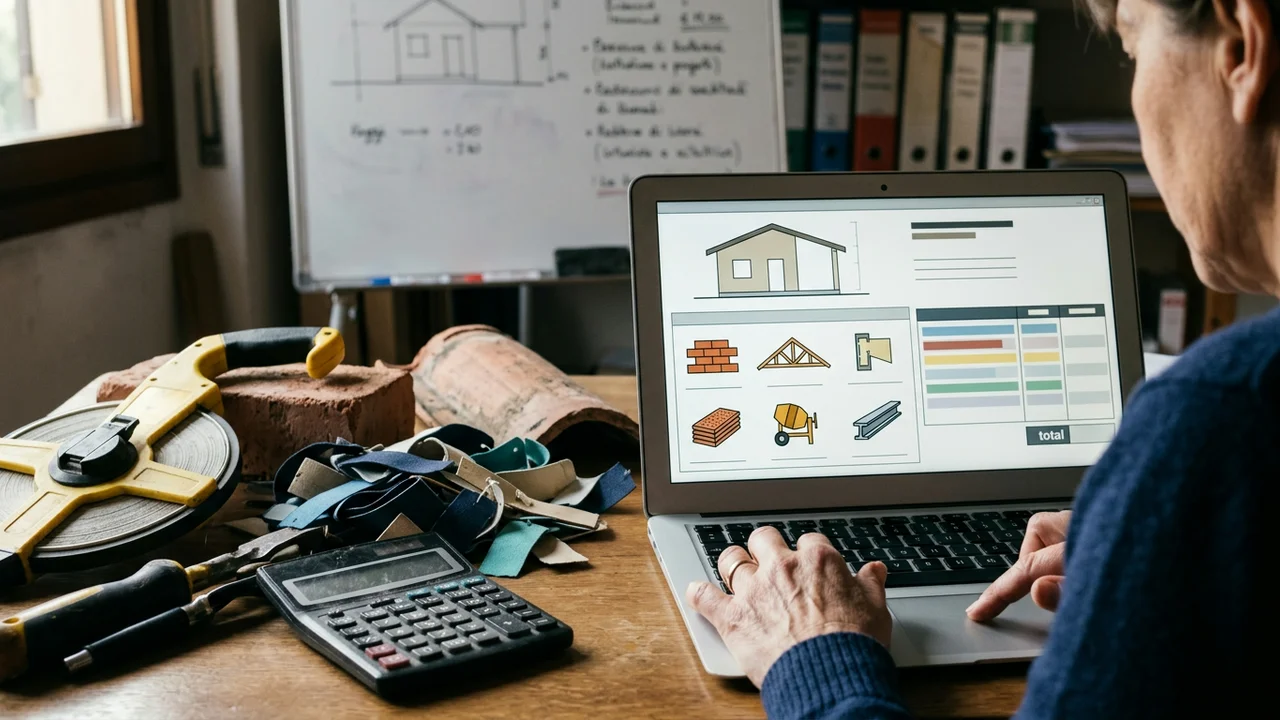
Among the documented projects is ERP Costruzioni, construction sector: from 8 hours to 5 clicks to produce a quote, in 30 days. This is the outcome of that project, not a promise that applies to every office. The mechanism worth examining is a different one: the quote was slow because the drafting process repeated by hand steps that could be made executable. The slice was clear, the scope was too, and the result could be judged on real work, not on a presentation.
What to ask before starting, between scope and security
Before starting, you need to write down the scope, what stays with the people, and how a sensitive action is confirmed.
A useful partner also says what is not worth automating. A step that changes every week, a judgment that only someone who knows the client can make, an action that cannot be undone: better to leave these out of the first round. Software that executes everything, without a person who can stop it, does not reduce effort. It shifts the risk to a less visible point.
- What falls within the scope and what stays done by hand.
- Which systems need to be connected and what data is missing today.
- Where a human confirmation is needed before a sensitive action.
- How the system is monitored after release, and how it is restored.
- What stays within the data perimeter and, if a model is involved, what leaves it.
What is not worth automating in the first round
It is not worth starting with the most debated process in the company, nor with one for which not even a single complete example exists. It is also not worth setting a timeframe or a saving before having seen the steps: those would be empty numbers. A good choice is a slice that the people doing the work recognize, that can be tested on real cases, and that, if it makes a mistake, stops before touching a client or a final document.
An automation is reliable only if it carries out the steps written in the map and stops where the map requires a person.
How Leomat brings the first process slice into production
Leomat builds software and environment around a process slice that can be judged in production, after describing it with the people who execute it.
The software engineering studio Leomat designs complete web applications and everything that makes them work: data, interface, infrastructure, deployment, security, and ongoing monitoring. The first conversation serves to understand the steps, who carries them out, where they break down, and what must stay with the people. If a piece is not worth automating, that needs to be said upfront. Agents that act on data start under supervision: a person observes and corrects, and autonomy grows only where the behavior proves reliable. Sensitive actions retain a confirmation step.
Security is designed from the start, not added at the end, based on the references the studio applies to web and artificial intelligence systems, including OWASP, MITRE ATLAS, and NIST AI RMF. Data stays within the agreed perimeter. If a model is involved, what leaves that perimeter and what does not is stated explicitly. The obligations that concern the company are assessed by its own consultant. The studio is based in Naples and, for the rest of Italy, work is done remotely; if the company is in Campania, the first look at the process can be done in person. No timelines are given before the process has been seen. You start from a small, useful slice that goes into production and is judged in the field.
Where do you start to automate a process?
You start from the work as it is today, not from a catalog of tools. It helps to follow whoever executes the step and note down the actions, the data, the waits, and the points where someone corrects things by hand. From there you choose a repetitive slice with rules that are stable enough, and you bring it into production so you can judge whether the software actually handles that piece. The rest stays as it is until that slice is clear. If a step is not worth automating, it is better to say so before writing code.
Which process is worth automating first?
The best candidate repeats often, has a recognizable start and end, and uses data that already exists, even if it is scattered. It must have weight if it stays manual, because of the time it absorbs or because of errors that are spotted late, but it should not be the most delicate process. A standard quote or a data handoff between two systems is a better choice than a rare exception full of judgment calls. If the rules change every week, stabilize them first, then automate.
Can you start without a systems manager?
Yes, if the scope is clear and there is someone in the company who knows the work, even without writing code. That person describes the steps, flags the exceptions, and confirms the actions that cannot start on their own. The technical partner handles architecture, connections, and security. The risk, without a process owner, is automating an ideal version that no one in the office follows. The first conversation serves to see who does what today, not to choose a programming language.
Are software automation and industrial automation the same thing?
No. Industrial automation concerns machines, plants, and factory robots. Software automation concerns the processes that people carry out at a computer: documents, orders, email, catalogs, data moving from one system to another. An SME that wants to remove repetitive office work needs the second type. Confusing the two leads to asking for the wrong thing. The starting point remains the office process, mapped as it is, with a slice that the software can execute and with confirmation steps where an error is costly.
This post was produced with AI
Content (text, processing, quotations and images) generated or artificially manipulated by artificial-intelligence systems. Notice provided under the transparency obligations of Article 50 of Regulation (EU) 2024/1689 (AI Act), applicable from 2 August 2026.