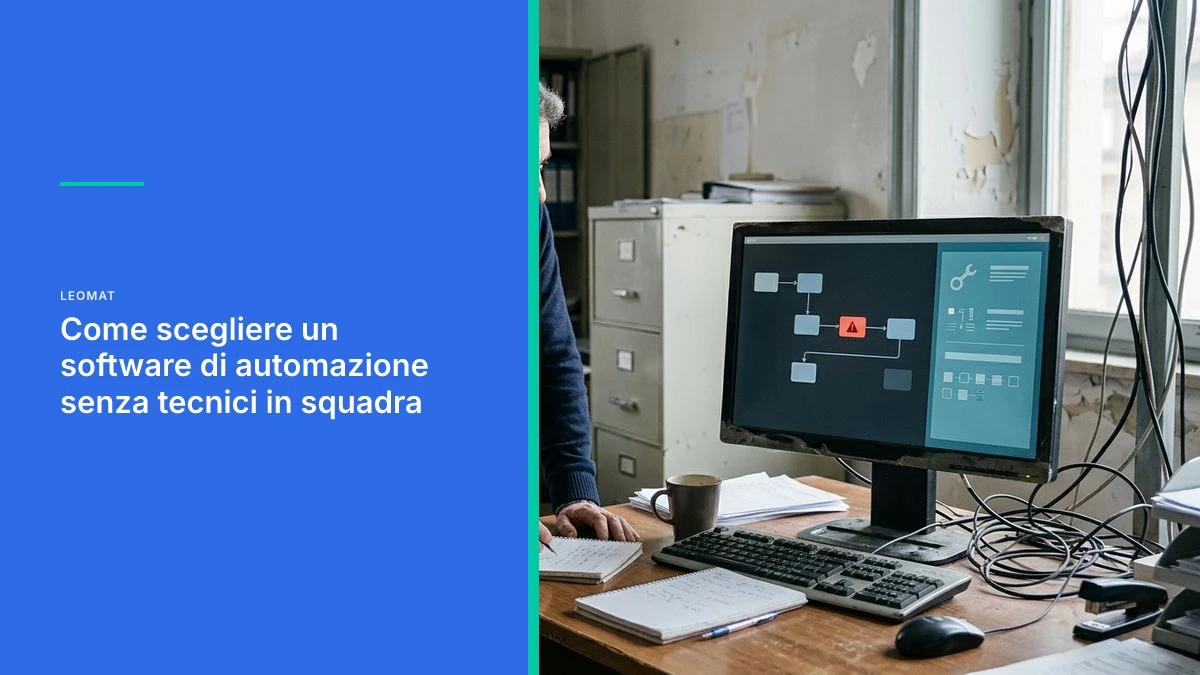
How to Choose Automation Software Without Technical Staff on Your Team
How to evaluate automation software when no one in your company has a technical background: concrete criteria, red flags, and choosing between no-code and full-code solutions.
Choosing Automation Software for a Team Without Technical Skills: The Practical Guide
Choosing automation software for a team without technical skills means prioritizing tools that require no internal maintenance, with transparent logic and a partner who handles configuration and updates. The decisive criterion is not how easy the initial interface looks, but who solves problems when the process changes or something breaks.
Many small and medium-sized businesses choose an automation tool by watching the sales demo: everything looks simple, drag and drop, colored blocks. The problem surfaces a few months later, when the workflow needs to be modified because a supplier has changed or a module in the management system has been updated. Without an in-house technician, every small change becomes a ticket, a wait, a hidden cost that was never in the original contract.
The Problem: Choosing the Wrong Software When Nobody in the Company Is Technical
The main risk is choosing a tool designed for technical users, one that promises simplicity but hides complexity in a later phase, namely maintenance.
A business owner evaluating automation software quite rightly focuses on the present: how much it costs, how long it takes to get started, who will use it in the company. But the question that truly matters is a different one: who steps in when the workflow breaks down six months from now, when nobody in the office knows how to read an error log.
Managing Orders, Invoices and Inventory with Few Digital Tools
For these businesses, the right software is the one that integrates with what they already use, without forcing them to learn a new platform from scratch every time a process changes.
A Company That Sells B2B Services and Manages Leads from Multiple Channels
Here the issue is not automation itself, but data consistency: a lead that comes in through a web form must arrive intact all the way to the invoice, without manual steps that introduce errors.
5 Concrete Criteria for Evaluating Automation Software Suited to Your Team
The five criteria to check are: who maintains the system, what happens when a process changes, how much a modification costs, where the data lives, and who you can talk to when a problem arises.
Before signing any contract, it is worth asking what actually happens after activation, not just during the demo.
- Who handles updates when a supplier or a connected software module changes.
- How much it costs, in time or money, to modify a single workflow rule.
- Whether the system depends on a third-party graphical interface that can change without notice.
- Whether company data remains readable and portable, or is locked in a proprietary format.
- Whether there is a real person you can reach, not just an automated support center.
An automation that nobody in the company can modify is not a competitive advantage: it is a hidden supplier making decisions for you.

Warning Signs: When a Tool Promises Simplicity but Hides Complexity
The most common warning signs are: pricing tied to the number of operations, dependency on third-party connectors, and the absence of clear documentation on what happens in case of an error.
Many block-based tools work well for a simple, static workflow. The problem arises when volume grows or the process branches out: conditions multiply, the visual interface becomes a maze of nodes, and figuring out where the error is takes longer than rewriting it from scratch in code.
Watch Out for Pay-Per-Use Contracts That Grow with Your Activity
If the price increases with every operation executed, the automation that was supposed to save money becomes a variable cost that is difficult to forecast in the budget.
Watch Out for Vendors Who Cannot Explain What Happens in Case of a Failure
If the vendor cannot describe in plain terms what happens when an external service goes down, the risk was probably never designed out of the system, only postponed.
Why Custom Pure Code Beats No-Code Tools for Teams Without IT Skills
A system written in custom pure code reduces dependency on third-party platforms and can be modified in a targeted way without rebuilding the entire workflow.
No-code tools are excellent for getting started quickly, but on critical and growing business processes they often show their limits. A company without an internal IT department does not need an interface that looks simple: it needs a system that works without anyone having to intervene, and when a change is needed, it needs a skilled person to make that change cleanly and with proper documentation.
- Custom code depends less on the commercial decisions of a third-party platform.
- Modifications are targeted: you change one function, you do not rebuild the entire visual workflow.
- Maintenance is predictable, because it is handled by the people who wrote the system.
How Leomat Guides the Selection and Implementation of Automation Software
Leomat works with Italian small and medium-sized businesses to design custom pure-code automations, built to be managed without an internal IT manager.
The ERP Costruzioni case is a concrete example: the company went from drafting a quote manually, a process that required 8 hours of work, to an automated process completed in 5 clicks, delivered in 30 days. Not a generic tool configured in a hurry, but a system built around the company's actual process.
To better understand the limits of block-based tools as a team grows, it may be useful to read why pure code beats the limits of no-code for small and medium-sized businesses, or to explore what actually works in process automation without an IT manager.
A Practical 5-Point Checklist Before Signing a Software Contract
Before signing, always verify: the pricing model, data portability, third-party dependencies, support response time, and clarity on who owns the code or configuration.
A hasty signature on a software contract can cost months of frustration. It is worth spending an hour on these checks before moving forward.
- Whether the price grows with usage or is fixed and predictable.
- Whether data can be exported in a format you can read independently.
- Whether the system depends on external services that could change their terms.
- Whether there is a real person you can reach for urgent issues.
- Whether it is clear who owns the configuration or the code in the event of a supplier change.
A software contract is judged by the third month of use, not by the first demo.
How Leomat Can Help You Choose the Right Automation
Leomat was created to bring cutting-edge technology to businesses, even those without an internal IT team. Our approach is based on custom pure code, designed to integrate into the company's real processes without over-engineering them. Among our services is the development of custom ERP systems, built around the specific needs of the people who use them every day. If you are considering how to structure a complete sales workflow, you may also find it useful to read about automating the B2B sales cycle from lead to invoice. Find out how we work at Leomat.
Frequently Asked Questions About Choosing Automation Software Without Technical Skills
Do You Really Need an IT Manager to Run Automation Software?
No, it is not essential if the system is designed to be managed without internal technical skills. The key is having a technology partner who handles updates and modifications, so the team can focus on day-to-day operations without having to improvise as a technician.
What Is the Practical Difference Between a No-Code Tool and Pure-Code Software?
A no-code tool offers ready-made visual blocks, convenient for simple prototypes but rigid when the process grows. Custom pure code requires a more structured initial development phase, but it can be modified over time and depends less on the commercial decisions of a third-party platform.
How Long Does It Take to Implement a Custom Automation in a Small or Medium-Sized Business?
It depends on the complexity of the process and the systems involved: any number given before seeing them would be invented. You start with a small, useful slice that goes into production quickly and is judged in the field, and every project is calibrated to the company's specific needs.
How Can You Tell If Your Current Vendor Is Hiding Complexity Behind a Simple Interface?
A clear sign is difficulty explaining what happens in case of an error or a process change. If every small variation requires a lengthy ticket or an unexpected additional cost, the initial simplicity was probably concealing complexity that was deferred to the maintenance phase.
Can Automation Software Integrate with the Management System Already in Use?
Yes, a custom-built system can be designed to communicate with the existing management system, without forcing the company to replace tools that are already well established. This is one of the reasons why pure code is often more flexible than closed platforms.
This post was created with AI
Content (text, processing, quotations and images) generated or artificially manipulated by artificial-intelligence systems. Notice provided under the transparency obligations of Article 50 of Regulation (EU) 2024/1689 (AI Act), applicable from 2 August 2026.