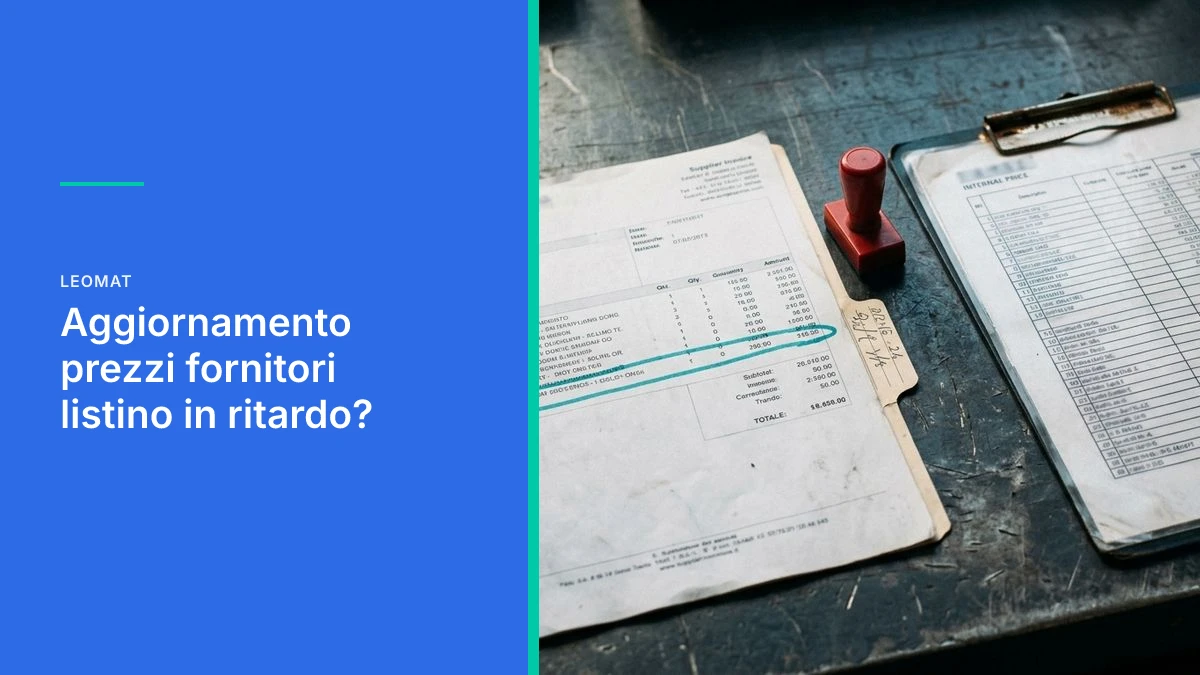
Is Your Price List Lagging Behind Supplier Costs?
A supplier updates their costs and your price list stays unchanged. Here is how to align prices, quotes, and your management system without eroding margins.
How to keep your price list aligned with supplier prices and actual costs
Updating your price list with supplier prices is the moment when new purchase costs must enter product records, quotes, and your management system. When a supplier sends a file or a message and nobody aligns the numbers, you keep selling at yesterday's prices. The delay is not a minor inventory detail: it is the gap between what you pay and what you invoice. Closing that gap means getting the new price into the same workflow where you build your quote, not into a separate folder.
In a small or medium-sized business the pattern is almost always the same. The supplier sends a spreadsheet, a PDF, or a message. Someone opens it, copies three columns, and leaves behind tiered discounts, validity dates, and notes on packaging or shipping. The management system keeps the old cost. The sales rep starts from that record. If the validity date is missing or the item code does not match, the official price list and the purchase cost quietly diverge, order after order.
Why the price list stays frozen when a supplier changes prices
The price list stays frozen because updating it depends on people, scattered messages, and spreadsheets that do not write themselves into the management system.
It is not laziness. It is a broken workflow. The new price originates with the supplier, lives in an inbox or a shared folder, and dies there if nobody has the explicit task of transferring it into the product records. Purchasing sees the price increase. Sales does not. The person writing the quote uses the last number the management system shows, not the last number actually paid.
This happens more often when price lists arrive in different formats, with columns that change from one delivery to the next. A single item code written differently is enough to make the comparison fail. The "same" part keeps the cost from three months ago, while the new part is entered manually and sometimes without a price expiry date.
Those who receive price lists from multiple suppliers every week
Anyone working with many suppliers does not have a one-file problem: they have a queue problem. Every week brings partial updates, returns, and surcharges for minimum order quantities. If alignment is manual, the urgent items get updated and the rest are postponed. The price list becomes a patchwork: some product families are current, others are not. The sales team does not know which is which.
Those who have little time for daily routine tasks
Anyone juggling purchasing, inventory, and sales within the same working day treats price-list updates as a task for "when there is a gap." That gap never comes. The file stays in the inbox. The quote goes out anyway. The damage does not show up on the day of the price increase: it shows up when the month's margin does not add up, and nobody can say which quote went out with the old cost.
What happens when inbox, spreadsheets, and management system do not talk to each other
If the inbox, spreadsheets, and management system do not share the same fields, every supplier price increase remains an isolated event and the internal price list does not move.
The management system reads records, not conversations. A message saying "from Monday the price list goes up" updates neither the cost nor the validity date. A spreadsheet with ten columns, three of which have no stable heading, forces interpretation. Interpretation is where errors are born: the unit of measure is wrong, the tier is ignored, the net price is loaded as the gross price.
This is the same kind of disconnect that appears when business software systems do not talk to each other: the data exists, but in separate rooms. Purchasing has the real cost. Sales has the history. Finance has the invoice. None of those three systems is "the price list." The price list is what you use to quote the customer, and it is often the oldest of the three.
- The supplier's item code differs from the internal code, so the comparison fails.
- The start date of validity is missing, and the new cost coexists with the previous one.
- Tiered discounts are left in the spreadsheet and absent from the product record.
- Shipping or packaging costs are treated as a note, not as a cost line.
- Currency or unit of measure is not stated, so the number is copied literally.
- A seasonal price list is archived in the inbox and never closed in the management system.
- Open quotes remain tied to the cost that was in effect on the day they were created.
The internal price list is only valid if it matches the latest purchase cost: if the two numbers diverge, the quote is already wrong.
How margins erode on quotes that have already gone out
You lose margin, to the point of selling at a loss, when the price quoted to the customer is calculated on a cost that is no longer what you will pay the supplier.
The damage is not just the "forgotten" discount. It is the chain: old cost, standard markup, quote sent, order confirmed, goods purchased at the new price. There is no alarm in between. There is a record that looks correct. For a manufacturing or project-based SME, that gap adds up alongside other hidden costs that erode margins: rework, waiting time, duplicate data entry. A frozen price list is simply the quietest of them.
This happens often with spare parts and kits: if multiple suppliers adjust costs in different weeks and the office only updates the highlighted items, kits are left with an outdated bill of materials. The counter price looks consistent. The kit margin does not, because a single expensive line is enough to eat into the markup on all the others.
Those who write project-based quotes every day
Anyone who builds a quote line by line feels the delay twice. First when looking up the cost and finding three different versions. Then when the customer accepts and the actual purchase does not add up. Reducing the hours spent on the bill of materials is not enough if the starting numbers are stale. The current cost needs to be the same in the master record, in the bill of materials, and in the draft quote, without an extra step through a parallel spreadsheet.
Three signs that your price list is already at risk
Your price list is at risk when nobody can say which cost is in effect today, for which item, and from which date.
No formal audit is needed. Three reality checks are enough, visible within a normal working week, without launching an IT project.
- Two people give two different prices for the same request, because one is looking at the management system and the other at the latest email attachment.
- Open quotes have no clear rule: some are recalculated, others stay frozen, and the choice is personal.
- Price increases are discovered on the supplier invoice, not in the master record, so the alert arrives after the sale.
If you recognise even just the first point, the problem is not "an update that is running late." It is the absence of a single source of truth. As long as the cost lives in three places, every manual alignment is a temporary fix. For anyone already considering whether their current management system needs replacing or integrating, this is often the most concrete signal: the software is there, but the real prices are not.

How an automated workflow aligns supplier prices with the price list
An automated workflow takes the supplier's price list, compares it with the master records, and writes only the fields you have decided to trust into the management system, complete with date and responsible party.
It is not magic, and it is not a single button that works for every business. It is a short, visible path. First you map who sends what: format, columns, frequency, exceptions. Then you define the rules: which field wins, what to do if the code does not match, whether an open quote is recalculated or kept frozen. Finally you let the system do the writing, not the person, and you leave the person in control of the exceptions.
Artificial intelligence comes in where the file is messy: headings that change, long descriptions, notes mixed in with prices. It reads, proposes a match to the internal item, and flags uncertainties. The final price is confirmed by whoever holds commercial responsibility. This way you are not replacing judgment: you are removing the copying. On project work, the same principle reduces the time between bill of materials and quote, because the starting costs are already current.
- Phase 1 (Mapping): list of suppliers, formats, required fields, known exceptions.
- Phase 2 (Rules): what updates automatically, what goes into a verification queue, what is left untouched.
- Phase 3 (Writing): the management system receives cost, validity, and source, not an orphaned number.
- Phase 4 (Quotes): a decision is made on whether open quotes inherit the new cost or stay frozen.
- Phase 5 (Control): a deviation outside the threshold requests confirmation rather than passing through silently.
The product record text and the management system data must show the same price: if the file is new and the record is old, the margin is already exposed.
Common mistakes when copying prices manually
The most frequent mistake is treating the update as a data-entry task. The price column is copied and validity, minimum quantity, and return conditions are left behind. The second mistake is updating "the parts that sell," leaving bills of materials and kits behind. The third is not closing the previous price list: two costs remain active and everyone picks their own. None of these is solved by a tidier spreadsheet. It is solved when there is a single master record that accepts the new cost with a date, and everything else reads from there.
How Leomat helps update processes, not just the software
Leomat designs tailored automations and management systems built around the business together with Italian SMEs, so that price updates become part of the actual workflow instead of remaining a separate spreadsheet.
We do not start from a generic module forced to fit. We start from the process: who receives the price list, where it needs to end up, who confirms the exceptions. Building a custom ERP around the business serves exactly this purpose: master records, costs, and quotes in the same design, written in dedicated code, without workarounds that break the first time a supplier changes their format. The technology stays accessible: no over-engineering, visible rules, clear responsibilities.
There is a concrete case on this front. With ERP Costruzioni, in the construction sector, drafting a quote went from 8 hours to 5 clicks, in 30 days. It is not about the price list, but it shows how much weight is removed when manual work is taken out of quote preparation. The same principle applies when the bottleneck is the supplier cost that never makes it into the quote.
Leomat builds custom web software around the people who use it every day. If your price list today depends on the memory of whoever opens the inbox, the starting point is talking to Leomat about the update process, not buying another spreadsheet. The goal is simple: the price you sell at is the one you are about to pay, and you see it before you send the quote.
This post was created with AI
How do you update the price list when a supplier changes prices?
You set a single cost master record in the management system, with a validity date. The supplier's file is compared against internal codes; trusted fields are written automatically, uncertainties stay in a queue. Open quotes follow a declared rule: recalculation or freeze. This way the update does not depend on who happened to read the latest message.
How long does it take to align prices in the management system?
The time that matters is not the time spent copying: it is the time between the arrival of the price list and a correct product record. If the comparison is manual, alignment slips into the gaps of the day and quotes go out first. With matching rules and an exceptions queue, the wait is reduced to reviewing ambiguous cases, not rewriting every line.
What happens if I sell using an outdated price list?
The standard markup gets applied to a cost you will no longer pay. The order may go through fine and the shortfall appears later, on the purchase invoice or at month end. Kits and bills of materials suffer most, because a single expensive line is enough to wipe out the margin on all the others. The customer has a price; you have a new cost.
Can the intake of supplier price lists be automated?
Yes, if the formats and rules are defined. The automation reads the file, proposes a match to the item, writes cost and validity, and stops deviations outside the threshold. Confirming uncertainties remains a human task. You do not need an in-house IT department: you need a workflow design and a management system capable of accepting those fields without parallel workarounds.
Content (text, processing, quotations and images) generated or artificially manipulated by artificial-intelligence systems. Notice provided under the transparency obligations of Article 50 of Regulation (EU) 2024/1689 (AI Act), applicable from 2 August 2026.