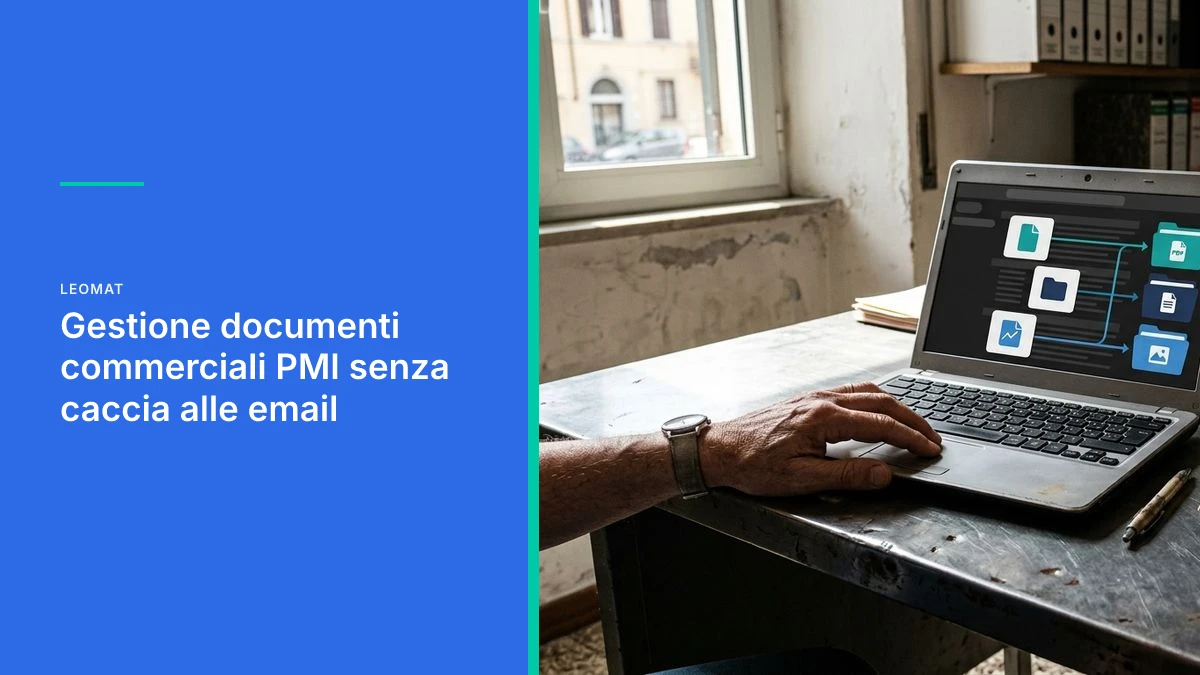
Managing commercial documents for SMBs without hunting through emails
Sales teams waste entire days digging up quotes and contracts from their inboxes. Here is why email is not an archive, and how to bring order to the process without disrupting the way people work.
When a small business's commercial document management ends up in the inbox
The sales rep searching for a quote in their email is not selling. They are manually reconstructing an archive that does not exist. Commercial document management in a small business fails when quotes, orders, contracts and confirmations remain scattered across personal inboxes, unnamed attachments and conversations that stretch on for months. If a file lives only in email, it is not archived: it stays unfindable until someone retrieves it, usually under pressure from the client.
In Italian small businesses, sales reps use email as a working repository: they forward the PDF to a colleague, save the attachment to the desktop, search by subject line three weeks later. There is no single location, and there are no fields such as client, expiry date, deal status or contract version. What changes in practice is simple: the person selling spends the day reconstructing the file instead of closing the order.
How much time the sales department burns going back and forth between emails
Time disappears in repeated searches, not in a single inbox session.
The sequence is always the same. You need the latest quote for the client. You open your email, filter by name, scroll through a conversation with ten identically named attachments. You ask in chat whether anyone has the signed version. You wait. You reopen a spreadsheet. Meanwhile the call gets pushed back and the follow-up to the client stays in drafts.
It is not laziness and it is not lack of effort. It is a system that forces people to act as an index. Every sales rep becomes the search engine for their own inbox, and that memory is not shared. When they go on holiday or change roles, the documents stay where they left them, in an inbox that others cannot query with any certainty.
Those managing dozens of deals in parallel
A sales office handling dozens of open deals cannot rely on whoever remembers which PDF was sent. Draft quotes, client revisions, special terms and order confirmations pile up. Without a file per deal, the wrong version goes out with a single click. The damage is not just reputational: it is a price, a delivery date or a clause that should never have circulated.
Those with little time for daily routine
Someone who has visits, calls and follow-ups to handle has no time slot for sorting attachments. Searching through emails becomes the invisible work that eats into the margins of the day. It makes sense to automate the B2B sales cycle from lead to invoice only if the documents for that deal can be found in a few steps, not after hunting through generic subject lines.
Why email is not a sales archive
Email is a transport channel, not a file with version control, permissions and status.
Email was designed to deliver a message from one person to another. It does not track the history of a document. It does not know which PDF is the valid one. It does not link the attachment to the client record in the management system. It does not alert you when a quote expires. If two colleagues forward the same file under two different names, the company has two versions of the truth and no rule for choosing one.
Email delivers files, it does not organise them. Without a file that includes client, version and status, every search starts from scratch.
The management system can confirm price and availability only if the sales document contains the same facts, not an orphaned PDF sitting in an inbox. As long as the attachment lives only in email, the bridge between the person selling and the person invoicing is missing. The same disconnect appears when the B2B e-commerce platform sells but the management system does not know about it: the data exists, but it is in the wrong place.
What is typically missing when a document stays in email is both obvious and critical:
- a meaningful file name, with client and date, not "final_quote2.pdf";
- the link to the deal and the client record;
- the quote expiry date;
- the status: draft, sent, accepted, expired;
- the version, so two different prices do not circulate at the same time;
- permissions controlling who can view a contract;
- a record of who sent which revision.
Deals that slip and clients waiting for a file
The real cost is not the minute spent searching, it is the quote that arrives late or with the wrong version.
The client does not see the internal inbox. They see the delay. They ask for the updated contract and receive silence, then an old attachment, then an apology. In B2B, trust erodes this way, through small documentary stumbles. A skilled sales rep covers the gap with a phone call. That is not a process: it is daily heroism, and it does not scale as deals grow.
Those receiving quotes and contracts from multiple inboxes
An illustrative example: an office that takes orders from three addresses (sales, administration, certified email) and forwards everything to one sales rep. Nobody knows which inbox has the latest revision. The client calls back, three people search, three different answers. You do not need enormous software to avoid this. You need a single point where the document, as soon as it arrives, is classified and made visible to whoever needs to respond.
The same mechanism slows down anyone who needs to confirm an order within a tight timeframe. If finding the PDF takes too long, the confirmation slips and the warehouse works on incomplete data. On this point, automated order management in small businesses reduces errors only if the source document is the correct one, not a copy found by chance.
Document automation written in custom code
A pure-code workflow classifies, archives and retrieves the document without requiring anyone to open ten folders.
The temptation is to add another shared folder and hope everyone uses it. It does not work, because the sales rep continues to live in email: that is where the client reaches them. The useful approach is to intercept the attachment in the channel already in use, extract the key facts (client, document type, date, amount if present in the text) and save them in a queryable file. Email remains the medium. It stops being the archive.
How the workflow is built matters here. A tangle of third-party visual tools breaks at the first edge case: a scanned PDF, a poorly written subject line, a certified email with three attachments. A pure-code approach, written around the company's actual process, can handle those exceptions without asking the sales rep to change their job. The limits of no-code for small businesses emerge precisely when the document is not clean and the workflow must make a decision, not just copy a file.
A quote without a version, client and status is not a sales document. It is an attachment that nobody will be able to identify tomorrow.

Two already-measured projects point in this direction. About medically s.r.l., in the parapharmaceutical sector, achieved an 85% increase in document generation speed within 90 days. ERP Costruzioni, in the construction sector, went from 8 hours to 5 clicks for drafting a quote within 30 days. These results come from document processes different from email archiving, but they show what happens when manual work is brought into a tailored workflow.
Artificial intelligence, in this context, does not replace the person selling. It reads subject lines, recognises attachment types and suggests a classification. A person still confirms ambiguous cases, and it must be decided upfront which email and document data can leave the company's perimeter, in compliance with GDPR, in consultation with the DPO or privacy adviser: inboxes also contain personal data belonging to clients and colleagues. This is the same principle described in how AI in sales frees up time for selling: less time searching, more time in the deal.
How to get started without disrupting the work of the sales team
Start with the documents that are searched for most often today, leaving client-facing habits untouched.
You do not migrate the entire historical archive on day one. You observe one week of real work: which files are requested, by whom, with what urgency. Then you automate that piece. The sales rep continues to write to the client from their own inbox. Only what comes after changes: the attachment does not die in the conversation, it enters the file.
- List the five types of document searched for every week (quote, order, contract, confirmation, delivery note).
- Define a minimal file structure: client, date, version, status.
- Intercept incoming attachments without removing email as the channel.
- Return search results in a place already in use, for example the client record in the management system.
- Monitor requests of the type "can you send me the latest quote?" before and after the change.
Those worried about an inflated budget are right to stay within a small perimeter. A workflow that archives quotes reliably is better than a project that promises to digitalise everything. Spending mistakes are avoided this way, as shown in the five budget mistakes that block automation in a small business: you pay for vagueness, not for well-written code.
How Leomat brings order to sales documents
Leomat builds pure-code workflows that turn scattered attachments into files that sales reps and management systems can actually use.
We are an AI-native software engineering studio based in Naples: we design and build custom web software and automations, with security built in from the start. We do not propose another layer of folders. We start from the way the department actually sells, then we write the software that classifies and retrieves the documents. Where a unified system is needed, we build a custom ERP for the company, connected to email, client records and quotes.
The method stays the same: no over-engineering, solutions suited to the real process. About medically s.r.l. accelerated document generation; ERP Costruzioni reduced quote drafting from 8 hours to 5 clicks. The goal, for those still searching for PDFs in their inbox, is identical: remove invisible work and leave the sales rep focused on the client.
Frequently asked questions about searching for documents in email
How should a small business organise its commercial documents?
Set up a file per deal with client, document type, date, version and status. Email remains the channel for sending and receiving. An automated workflow, written around the real process, moves the attachment into the file and makes it searchable from the client record. Start with the files requested every week, not with a total migration of historical data.
Why do sales reps search for files in their email?
Because that is where the client writes and where the attachment arrives. Without a linked archive, the inbox becomes the only place where the document "exists". Manual searching is the consequence, not the cause. As long as nobody classifies version and status, every colleague is forced to repeat the same hunt, even for a PDF sent the day before.
How do you automate the archive of quotes and contracts?
You intercept the incoming attachment, identify its type, link it to the client record and save it with versioning rules. Artificial intelligence helps read ambiguous subject lines and content; human confirmation remains in place for doubtful cases. Custom code can be designed to handle certified email, scans and messy file names.
Can you get started without changing the management system?
Yes. The first step is making the documents that currently live only in email findable, even by running alongside the existing management system. Once the facts align (client, price, status), the file or its data can be pushed to the ERP. Changing the entire stack in the first month is the fastest way to make the sales team reject the new approach.
This post was created with AI
Content (text, processing, quotations and images) generated or artificially manipulated by artificial-intelligence systems. Notice provided under the transparency obligations of Article 50 of Regulation (EU) 2024/1689 (AI Act), applicable from 2 August 2026.