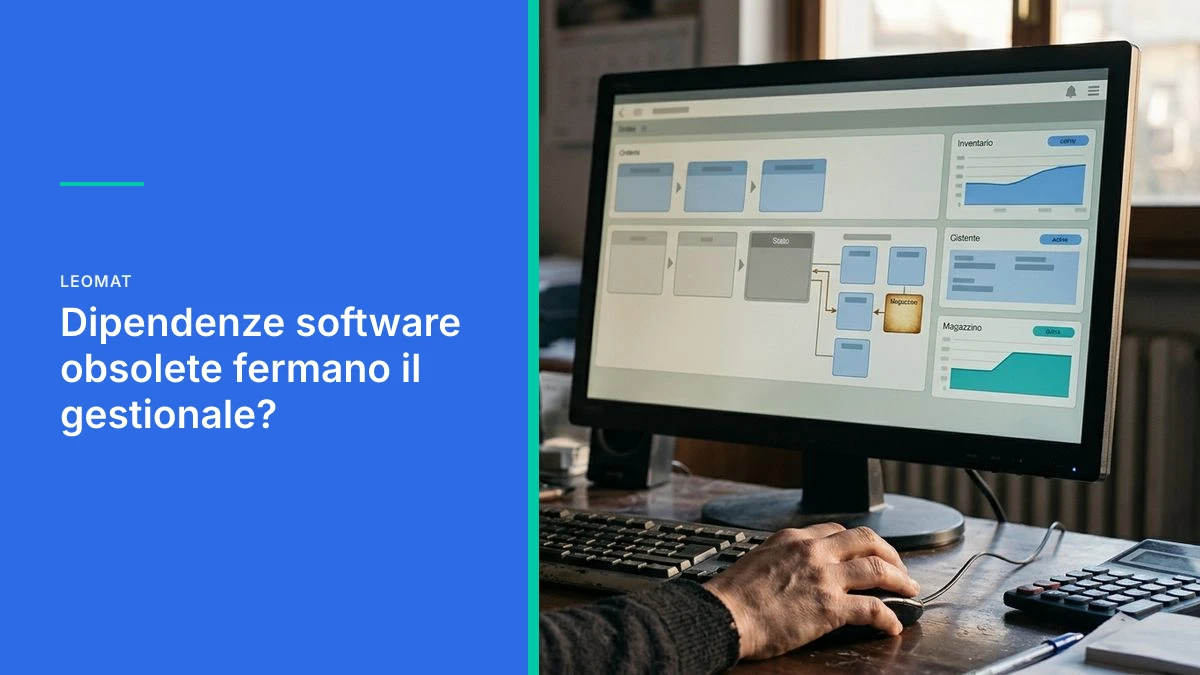
Outdated Software Dependencies Stalling Your Management System?
An outdated library can bring your management system to a halt even when everything else seems fine. Here is how you can keep dependencies under control without stopping work.
How Outdated Software Dependencies Can Bring a Business Management System to a Halt
Outdated software dependencies are pieces of code written by others, libraries and components, that the management system uses every day and that no one updates anymore. If a library has a known security flaw, or is no longer compatible with the rest of the system, a specific function stops working. Login, printing a document, sending an invoice. The entire program does not need to be old. One piece left behind is enough. Keeping them under control means listing them, checking the version, and updating them only after a review.
A company's management system grows in layers. First the program, then a module for quotes, a connection to invoicing, a website that reads the same customer data, an automation that sends a notification. Each layer brings its own libraries. The people working on the screens do not see the list. They see that the program responds. The breakdown comes when an old piece no longer talks to a new one, or when a known flaw stays open because no one knows that library is still in use. What is usually missing is the list of pieces, the version of each one, and a person who decides what can be changed without stopping orders.
Why an Outdated Library Can Bring the Management System to a Halt
An outdated library brings the management system to a halt when an unupdated piece blocks a function used every day, even if the rest of the program appears to be working fine.
Software is not a single block. It is a set of pieces that call one another. One library opens files, another talks to the database, another signs a document, another sends mail. If the one that signs documents is no longer compatible with the system the management software runs on, signing stops. Orders are left half-done. People go back to paper and spreadsheets, and the work the software was supposed to remove returns to being done by hand.
It is worth distinguishing two scenarios, because the remedy is not the same. The sudden breakdown. An update to the system, or to an external service, rejects the old library and a function disappears. The silent flaw. The library has a known security problem, the management system keeps responding, and data remains exposed. In the first case, work stops. In the second, work continues with an open door. Both start from a dependency left behind. The leap into the unknown can be avoided if you know which piece supports which function, before touching any versions.
Companies Whose Management System Has Not Been Updated in Years
This happens in companies where the program was delivered, worked, and since then something has been added only when needed. There is no internal person keeping the library list. The original vendor may no longer be around, or only responds when something visibly breaks. The risk is not an entirely old program. It is not knowing which piece, among those in use, can stop Monday's invoice. Order is restored with an inventory, even a brief one, before touching any update.
Companies with Custom Software That Cannot See the Pieces Underneath
Custom software follows the company's process, and that is its value. Even a purpose-built program uses other people's libraries. You do not rewrite from scratch the way of talking to a database or generating a document. If the list of those pieces was not delivered at handover, the company has the program but not the map. When a security update is needed, no one knows where to start. Asking for that map is the way to avoid depending on a single person who remembers how it was built.
What Software Dependencies Are, Without the Jargon
A dependency is a ready-made piece of code that your software uses for a specific task, and that needs to be kept updated like the rest of the program.
Think of the management system as a workshop. The machines are yours. Standard spare parts come from others. If a spare part is no longer manufactured, the machine cannot be repaired with that piece. In software, the spare part is called a library or component. The program declares that it needs one. That is the dependency. When a new version is released, the old piece becomes one of the outdated software dependencies. It is not a judgment on your management system. It is the fact that that piece has a more recent version, sometimes with a fix, sometimes with a change that can break what previously worked.
This is why updating software libraries is not a button to press and forget. A new version can fix a flaw and, at the same time, change the way a function responds. Without a review, the update that was meant to protect is the one that stops work. With a review, you can see in advance what changes, and decide whether to proceed, wait, or replace the piece.
- Direct library. A piece the program calls by name, for example to generate a document or send mail.
- Indirect library. A piece that the first library uses in turn, and that you did not choose.
- Locked version. The program accepts only one specific version and rejects others.
- Abandoned version. The publisher no longer releases fixes, and the piece stays as it is.
- External connection. An online service that the management system calls, and that can change its rules without an update on your side.
The risk does not lie in the library itself. It lies in not knowing which version is in use, and in changing it without a review of the process that library supports.
How to Understand What Is Inside Your Software
Understanding what is inside requires an inventory. The name of the piece, the version in use, the business function it supports, and who can update it.
The inventory is not an archival document. It is the list that answers three questions without dismantling the management system. Which pieces we use. What version they are at. Which ones no longer receive fixes. If you cannot answer, you are not behind on a technical trend. You are missing the map, and without a map every update is a leap into the unknown.
An illustrative example. A company with a management system, a sales website, and a connection to invoicing. Three applications, three lists. Often the same libraries appear in more than one list, at different versions. That difference is the first thing to look at, because an update made to only one application leaves the others as they were. You do not need a long project to notice this. You just need to put the three lists side by side and mark the pieces that do not match.
What to Ask the Person Who Built the Program
You do not need to know the language it is written in. Concrete questions are enough, the same ones you would ask someone handing over a piece of equipment. Where is the list of parts. How often is it reviewed. What happens if a library no longer receives fixes. Who decides whether an update goes into production. Is there a way to roll back if something breaks. If the answers are vague, the first task is not to update everything. It is to rebuild the list, starting from the application that, if it stops, stops orders or invoices.
- The library name and version in use, not just the name of the program.
- Whether the piece still receives fixes from its publisher.
- Which business function depends on that piece.
- Whether backups exist and a restore has already been tested.
- Who, internally or externally, is authorised to change that version.
Software supply chain security starts here. You are not only using the management system. You are using pieces written by people you do not know, published in open repositories, sometimes abandoned. A vulnerability in the dependencies is a flaw already documented, in a piece the program loads every time it starts. Knowing this does not close the flaw on its own. It tells you where to look, instead of updating at random and hoping nothing breaks.
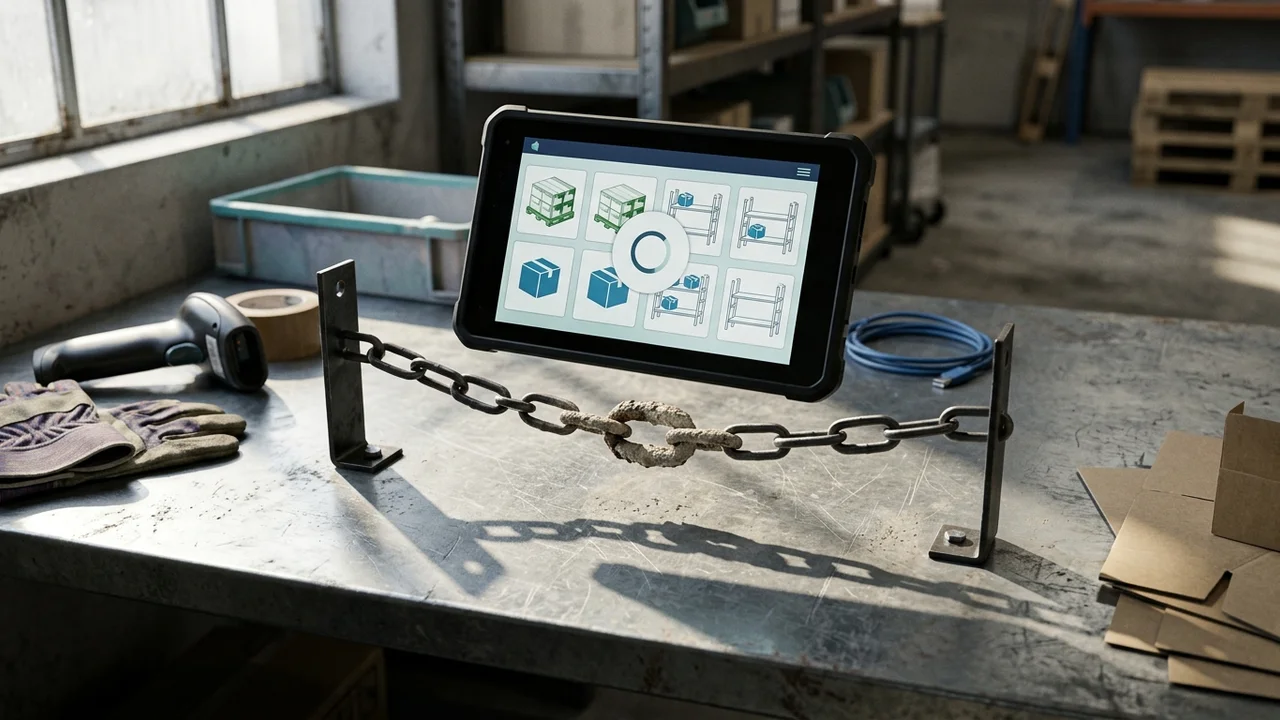
A Method for Updating Libraries Without Disrupting Work
You update one library at a time, on a copy of the system, check the function that library supports, and keep a restore ready.
The method is deliberately small. You do not update everything over a weekend. You choose one application, read the list, and separate the pieces into three groups. Those with a security fix and a small change. Those with a change that may affect a visible function. Those that are abandoned, for which no new version exists and a replacement is needed, not an update. The first group is tested straight away. The second is tested more carefully. The third is planned, because replacing an abandoned piece is a small project, not a checkbox.
- Choose a single application, the one that, if it stops, stops orders, invoices, or logins.
- Pull out the library list, with the version and the linked function.
- Mark the pieces with a security fix, the pieces with a major change, and the abandoned pieces.
- Test the update on a copy, not on the system people are using.
- Check the linked function. Printing, sending, logging in, calculating a total.
- Keep a restore ready and use it only if the test fails.
- Write down what you changed, so next time you do not start from scratch.
Automation helps with the tedious step. Reading the list, flagging a stalled version, sending a notification when a fix is released. It does not decide for you whether that change is safe for the process. An automated check can report that a library has a newer version. It cannot know that the library supports the way your company calculates a discount, or that a field was adapted years ago. That reading remains human. The same applies to an agent acting on company data. If a library underneath stops, the work the agent was supposed to remove from people also stops.
Automation, testing, and human oversight go together. The alert finds the stalled library, the test shows whether the function holds, the person authorises the move to production.
Companies Without a Technical Person on the Team
You do not need to read code to keep this topic under control. You need a rhythm and a point of contact. The rhythm is a check at a fixed cadence, the same mindset used to track maintenance deadlines. You do not wait for the breakdown. If you are interested in how to keep track of those deadlines in your company, you will find a method in the guide on how to keep track of scheduled maintenance deadlines. The point of contact is someone who can open the list, test the update on a copy, and tell you, in plain language, what changes for the work. If that role does not exist today, the first step is to assign it, internally or externally, before adding more modules.
Where to Start, One Application at a Time
Start with the application that, if it stops tomorrow, stops a process you cannot handle verbally. Usually that is the order management system, invoicing, or customer login. Do not start with the showcase website, if the site can be down for a day without blocking deliveries. Do not start with all systems at once. A clear list for a single program is worth more than a promise to secure everything. Once that first list is in order, the second application is simpler, because the method does not change.
Anyone evaluating a new program can ask the same question before signing, whether it is custom-built or off the shelf. An off-the-shelf product works well if it covers the workflow without constant manual re-entry. Custom software for SMEs makes sense when ready-made tools force people to work outside the system, as in the case of manufacturing SMEs where off-the-shelf tools slow down work. In both cases, ask for the library list and who updates it after delivery. Even tools where you connect blocks without writing code have dependencies, just less visible ones. We discuss this in the article on the limits of no-code tools for SMEs, when you need to know what is underneath and who can change it.
How Leomat Builds and Supports Software After Release
Leomat builds custom web applications together with the environment they live in, with security designed from the start, monitoring, and continuous correction after release.
The key point, for anyone who needs to keep a management system running, is a way of building. The software engineering studio Leomat designs the application and the environment that supports it. Isolated infrastructure, repeatable deployment, backups, and restore under control. Security is designed from the start on public references, including OWASP, MITRE ATLAS, NIST AI RMF, and the EU AI Act. These are frameworks the studio follows in its work, not certifications to display.
After release, the system does not stand still. Monitoring, logs, and continuous correction are part of what is delivered, because software in production is at the beginning of its work, not the end. Sensitive actions remain subject to human confirmation. An agent's autonomy grows only where it has proven reliable.
If the off-the-shelf management system forces people to work outside the system, custom software starts from the process and not from a screen designed for an average company. The first conversation serves to understand the process and to respond with an approach, an architecture, and a realistic estimate.
Frequently Asked Questions About Outdated Software Dependencies
An outdated dependency is identified from the library list, updated on a copy, and does not go into production without a test of the function it supports.
What are outdated software dependencies?
They are libraries and components written by others, used by your management system, that have remained at a version that no longer receives fixes or that is no longer compatible with the rest. It does not mean the entire program needs to be discarded. It means a piece underneath the screens is stalled, while the rest has moved on. They are identified from an inventory. Name, version, linked function, and whether the publisher still releases updates for that piece. Without that list, the word outdated remains an impression. With the list, it becomes a fact on which you can make decisions, one piece at a time.
Can an old library really bring the management system to a halt?
Yes, it can stop a specific function even if the other screens are responding. This happens when a system update rejects the library, or when the piece no longer communicates with an external service, for example invoicing or mail. Work does not always stop all at once. The step that library supports stops. Signing a document, opening an attachment, letting a user in. It is worth knowing which function depends on which piece, before the breakdown arrives on a Monday. The leap into the unknown can be avoided by starting with a single application.
How do you update libraries without breaking the software?
You update one piece at a time, on a copy of the system, not on the one people are using. First you read what changes in that version. Then you test the linked function. A total, a printout, a send, a login. If the test fails, you roll back with a restore already prepared, instead of fixing things in production. Pieces with a small fix are tackled first. Abandoned ones, with no new version, are planned as replacements. Automation can flag the stalled library. The decision to go into production remains with a person.
How often should dependencies be checked?
A check at a fixed cadence is advisable, not only when something breaks. You choose the cadence based on how critical the application is. More frequent for the one that supports orders and invoices, less frequent for a site that can be down without blocking deliveries. What matters is that the check is documented, with a responsible person and a record of what was changed. A list reviewed regularly avoids discovering, all at once, libraries that have been stalled for a long time. You do not need a large project. You need the same application, reviewed again, and a restore that someone has already tested.
Is custom software more exposed than off-the-shelf solutions?
No, not by virtue of being custom-built. Both use other people's libraries. The difference lies in who keeps the list and who tests updates after delivery. An off-the-shelf product can hide the pieces behind a single update, convenient as long as it covers your process. Custom software makes them visible, if the builder also delivers the environment, monitoring, and a way to roll back. In both cases the useful question is the same. After launch, who watches the dependencies and at what cadence. If the answer is missing, exposure grows, whatever the label on the program.
This post was produced with AI
Content (text, processing, quotations and images) generated or artificially manipulated by artificial-intelligence systems. Notice provided under the transparency obligations of Article 50 of Regulation (EU) 2024/1689 (AI Act), applicable from 2 August 2026.