What Is a Business Management System and How It Reduces Repeated Work
Spreadsheets, emails, and manually re-entered data can cost hours every week. Here is what a business management system is, which tasks it actually removes, and how to choose between an off-the-shelf and a custom solution.
What a business management system is and what it does in practice
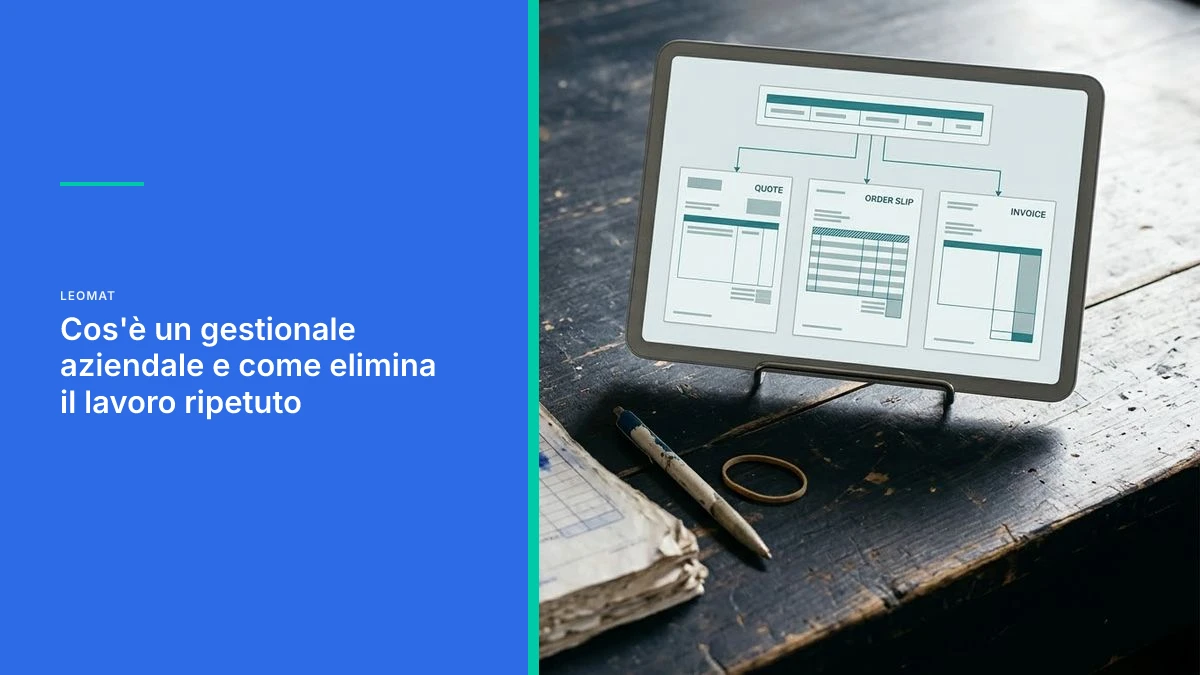
A business management system is the application where a company keeps customer data, quotes, orders, inventory and invoices all in one place, passing them from one department to another without re-entering them. Each piece of information is entered once and then reused. The quote becomes an order, the order becomes a delivery document, the document becomes an invoice. Repetitive work decreases because people stop acting as bridges between separate spreadsheets, emails and archives.
In most small and medium-sized businesses, a management system does not appear all at once. It starts with an invoicing and accounting application, then comes a spreadsheet for quotes, a shared folder for documents and an email inbox that becomes the only archive of changes agreed with the customer. Each tool works on its own, but between one and the next there is always someone copying data by hand. The same customer appears under two different records, the correct price lives in a file that only one person knows, and the status of a job is communicated verbally. A management system moves that linking work from people to software.
Which repetitive tasks a management system actually removes
It removes mainly the tasks in which a person rewrites data the system already holds. Quotes, order confirmations, delivery documents, invoices and payment reminders.
The practical rule for recognising them is straightforward. Every time a piece of data is created in one place and someone rewrites it in another, there is a step the software can handle on its own. This is why artificial intelligence is not necessarily required. A single data model and well-defined workflows are enough. When the picture is tidy, AI can be added on top, but the first gain comes from order. Here are the tasks that typically come out first:
- Quotes assembled from customer records, price lists and conditions already on file, without starting from an old file.
- Order confirmations generated from the accepted quote, without rewriting lines and prices.
- Delivery documents and invoices that originate from the order with the same data.
- Job progress statuses updated in the system and visible to everyone, not communicated verbally.
- Payment reminders and due dates identified by the system rather than from a manually maintained list.
- Periodic reports produced from real data, not reconstructed before every meeting.
- A single record for each customer, instead of two entries in different systems.
Those who prepare similar quotes every week
For a business that writes many quotes with the same structure, time is spent retrieving the last file, updating the line items and checking that the price is correct. In a well-built management system, a quote is assembled from already-known items, with the customer's conditions applied automatically. The person decides, the system fills in the details.
Those who manage orders that pass through multiple departments
When an order moves through sales, warehouse and administration, each handoff is an opportunity to lose information. With a single shared archive, the warehouse immediately sees what has been sold and administration knows what to invoice, without asking for confirmations by email or phone.
Those who have little time to close the books at month end
An illustrative example. A small business that spends hours at month end pulling together data from three different files to understand how much it has sold and how much it needs to collect. If that data already lives in the same system, the report is a view of real data, not an assembly job.
A management system does not reduce work because it writes faster. It reduces work because each piece of data is entered once and then reused from quote to invoice.
What is the difference between a management system and an ERP
A management system usually covers a specific area, such as sales, warehouse and administration, while an ERP keeps purchasing, production and job management under a single system and a single data model as well.
In practice the boundary is blurred and commercial names do not help. The real difference lies in how many of the company's functions share the same data. If sales and warehouse are in the same application but purchasing and job management live elsewhere, you have a management system with spreadsheets alongside it. If everything relies on the same archive, you have something that approaches an ERP. If you also want to understand where the ERP ends and the CRM begins, you will find a comparison in 4 questions to understand the difference between ERP and CRM.
A custom ERP is worth considering when the existing management system can no longer handle your exceptions and the functions to be added are many. At that point the question changes. No longer which application to buy, but how your process should work. We discuss this in When to change your management system and move to a custom ERP.
The hidden risks discovered after purchase
The most costly risks of a management system often lie around the application itself. Duplicate data, misaligned departments, historical data to migrate and knowledge concentrated in a single person.
Duplicate data and departments seeing different numbers
If the sales team keeps customers in a spreadsheet and administration keeps them in a different system, each department works with its own version. A change of address or terms reaches one and not the other, and the discrepancies are discovered only when a document comes out wrong. A management system makes sense only if it becomes the single source of truth, not one more copy.
Migrating historical data
Historical data is the most delicate part of moving to a new system. Duplicate records, codes written in different ways and empty fields need to be cleaned up before being moved, otherwise the new system starts out in disorder. Decide in advance what really needs to come across and what can simply be archived.
The process that only one person knows how to handle
In many companies there is someone who knows where the correct price is, which customer has a special arrangement and how a certain order is closed. As long as this knowledge stays in one person's head, an absence brings work to a halt. A good management system brings that knowledge into the system itself, with rules that are written down and visible to everyone.
Where the company's data resides
Ask where the data is stored, who can access it and how to retrieve it if you change provider. A system that holds your data in a closed format ties you to whoever manages it. Standard technologies are preferable, so that the system remains yours and portable.
Before choosing, these five checks help determine whether a project is sound:
- Is there a single record for each customer and supplier, or do multiple copies remain?
- Does a quote become an order and an invoice without being rewritten?
- Is it clear which historical data to migrate and who is responsible for checking its quality?
- If the person who knows the process is absent, can someone else carry it forward?
- Is it clear where the data is stored and how to export it in a standard format?
The most convenient management system is one where nobody has to ask a specific person how something is done. The process is written into the system, not held in someone's head.
Off-the-shelf or custom management system, how to choose
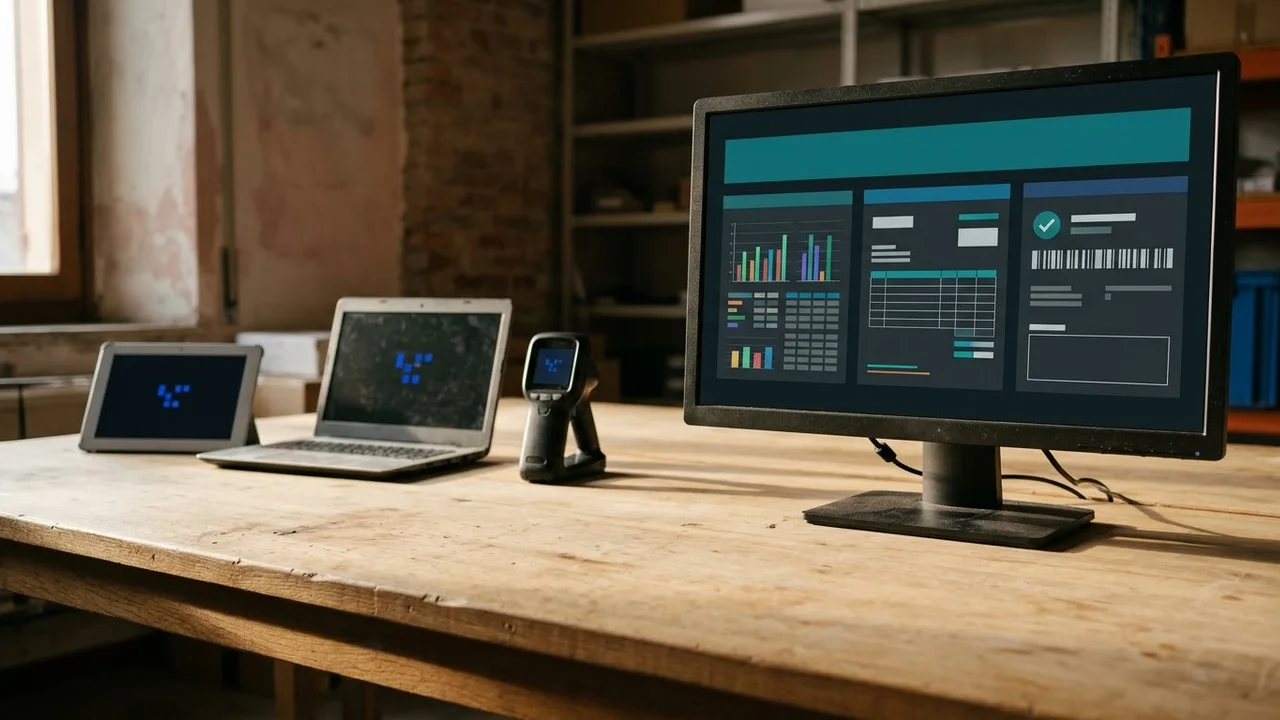
An off-the-shelf management system is the right choice when your workflow is standard and the product covers it without re-entry; custom software makes sense when exceptions recur every week and people are working outside the system.
An off-the-shelf management system describes the work of an average company. It asks you to adapt to its screens and fields. It is often the right choice, because it costs less to maintain and someone else handles the complexity. Custom software is not an end in itself. It adds a system to maintain and makes no sense if the off-the-shelf product already does its job.
The signs that an off-the-shelf product is not enough can be recognised without a formal analysis. A parallel spreadsheet that holds the correct version instead of the management system, quotes that differ for the same request depending on who writes them, job statuses that exist only verbally, emails that are the only archive of a change. If you recognise these, read the signs that your software tools are not talking to each other and when your management system is holding you back and you need a custom one.
When an off-the-shelf product is more than enough
An illustrative example. A business with a simple workflow, prices from a stable price list and few handoffs between departments. If the off-the-shelf product covers it without parallel spreadsheets, changing course brings nothing. Often it is also enough to make the systems you already use communicate with each other, without replacing any of them.
How Leomat builds a custom management system
Leomat is a software engineering firm based in Naples that builds custom web applications, management systems included, together with the environment in which they run. Database, interface, infrastructure, deployment, security and monitoring.
Among Leomat's services are custom management systems and portals, from the database to the interface. The starting point is the process, not the technology. First, what you do today is understood step by step, who does it and where it breaks down, then the architecture, data model and security surface are designed. The software is built custom from the database to the interface, rather than being a configuration of an off-the-shelf product. If a part is not worth automating, you are told so upfront, not afterwards.
Work of this kind can be seen in real cases. Leomat has also developed a management system for a tour operator, with planning, quotes and an AI assistant that acts on the data with human confirmation for sensitive actions, and a time-tracking management system integrated with project management.
On AI agents the approach is the same. They work under human supervision first, and autonomy increases only where it proves reliable. Security is designed from the outset against public references such as OWASP, which the firm follows in its work without presenting them as certifications. The system remains yours, with standard technologies and no lock-in to a single provider. If you want to understand whether your process warrants a custom management system, share your case with Leomat and you will receive an approach, an architecture and a realistic estimate.
Frequently asked questions about business management systems
Is a business management system useful for a small company too?
Yes, if the company's data lives across multiple spreadsheets and archives and someone spends time re-entering it. A small business benefits from a management system when the number of customers, quotes and orders makes it difficult to keep everything under control manually. If the workflow is simple and a spreadsheet is sufficient, there is no need to add complexity.
What is the difference between a management system and an ERP?
A management system usually covers a specific area, such as sales, warehouse and administration. An ERP keeps more of the company's functions in the same system, such as purchasing, production and job management, with a single data model. In practice the boundary is blurred. What matters is how many functions share the same data, more than the name a vendor gives to the product.
How is historical data moved from the old management system to the new one?
Start with a list of what is truly needed. Customer records, open orders, recent documents. Then clean up duplicates and codes written in different ways, and decide what to archive without migrating. Moving everything without cleaning it brings the disorder into the new system. It is worth running a test on a portion of the data before the final migration.
Can a management system use artificial intelligence?
Yes, but as an addition to an already well-ordered system. An AI agent can act on the management system's data, for example drafting documents, while sensitive actions remain subject to human confirmation. The agent's behaviour is observed first, then autonomy is increased only where it proves reliable.
This post was produced with AI
Content (text, processing, quotations and images) generated or artificially manipulated by artificial-intelligence systems. Notice provided under the transparency obligations of Article 50 of Regulation (EU) 2024/1689 (AI Act), applicable from 2 August 2026.